Admin settings
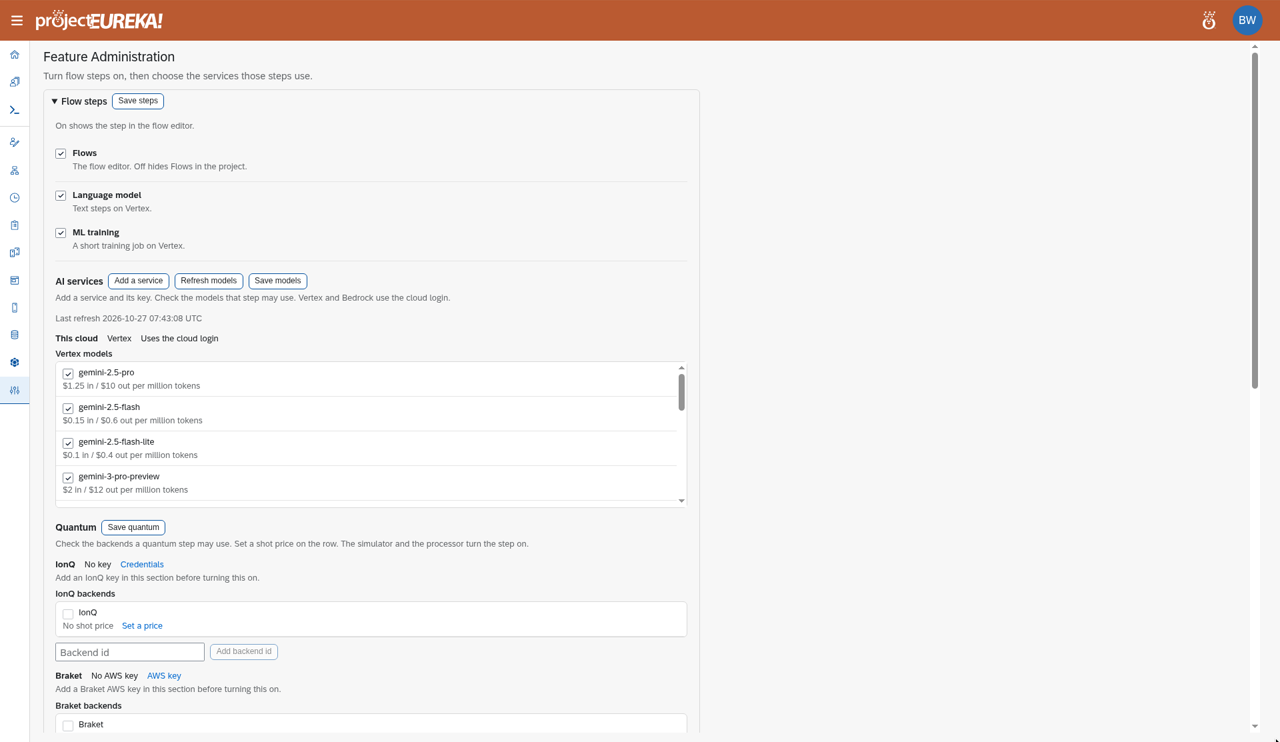
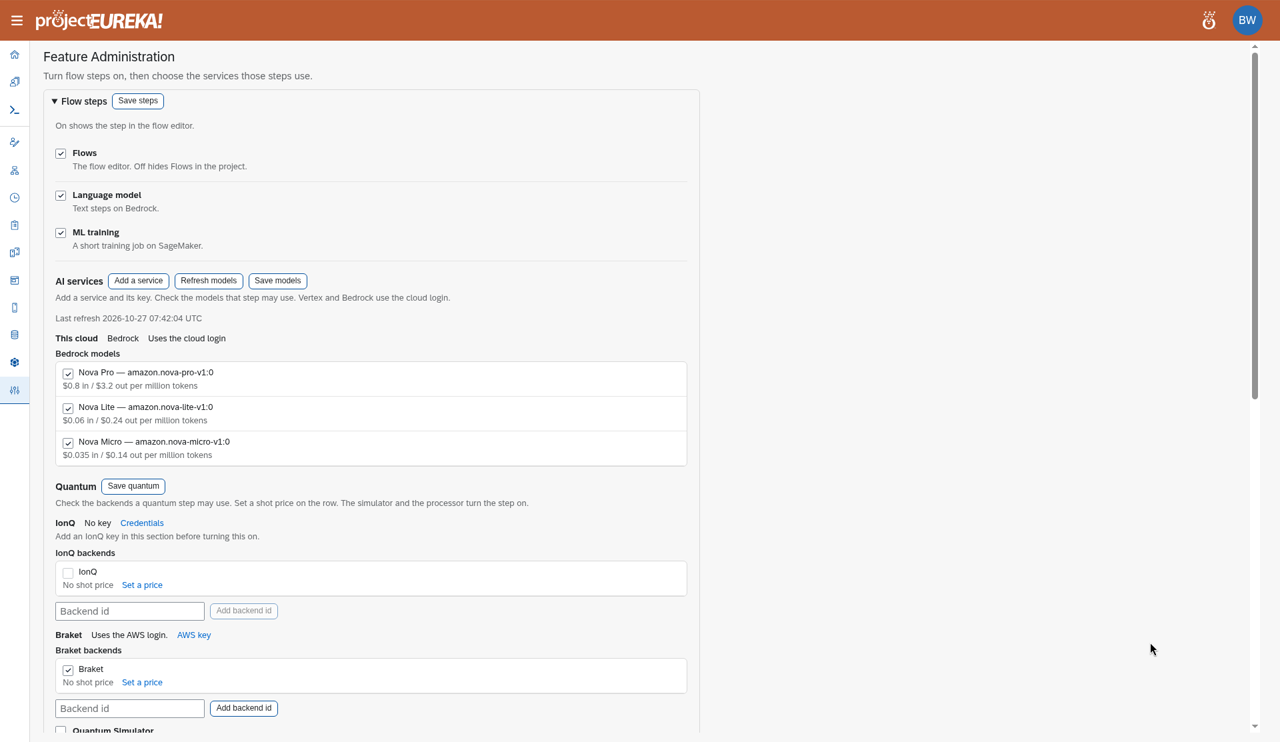
Feature Administration holds the settings that apply to the whole environment: which flow stage kinds exist, which AI and quantum services are available, time limits, disk cleanup, project delete, and how project Unix accounts are named. Projects inherit these settings. A project can make them stricter (shorter limits, stage kinds turned off) but not looser.
Before you begin
Section titled “Before you begin”- You must be a System admin. Another admin sets this in User Administration > Edit.
- Changes affect every project. For example, turning off Flows hides Flows in all projects.
Settings
Section titled “Settings”System admins open Feature Administration in the side bar. Each section has its own Save button. Checking or unchecking a model or a quantum option does not take effect until you select Save models or Save quantum. The page tells you to save to keep the change.
Google Cloud
AWS
Kubernetes
On Kubernetes, open Feature Administration in the side bar for these settings. A dedicated screenshot of this view is not included yet; see AI services and credentials for the Kubernetes Feature Administration shots.| Section | What it sets |
|---|---|
| Flow steps | Flows turns the flow editor on or off (off hides Flows in every project). Language model and ML training turn those steps on. Select Save steps. |
| AI services | Language-model services, their keys, and models. See AI services and credentials. |
| Quantum | IonQ and Braket, the simulator and QPU switches. Select Save quantum. |
| Time limits | Hard ceiling, Max, and Default. Select Save time limits. See Time limits. |
| Delete paused disks after | In the Time limits section. Days before a paused disk is deleted. Never keeps them. A project can only make this shorter. The owner is warned the day before. |
| Project delete delay (days) | In the Time limits section. How long a deleted archived project waits before it is purged; it can be restored until then. Blank means 7 days. Allowed values are 1 to 30. When deleting a project, the Owner can choose a longer delay, up to 30 days. |
| Project accounts | Project user prefix for project Unix accounts. The default is _pe_. Select Save prefix. |
Project delete is a soft delete: the project is hidden at once and purged after the delay. See Project delete.