Run a flow
run-flow run-flow run-flow Google Cloud video: https://docs.projecteureka.ai/clips/run-flow/gcp/run-flow.gcp.mp4
AWS video: https://docs.projecteureka.ai/clips/run-flow/aws/run-flow.aws.mp4
Kubernetes video: https://docs.projecteureka.ai/clips/run-flow/k8s/run-flow.k8s.mp4
Submitting a flow starts a run: projectEureka compiles the stages, starts machines or calls services, and stores the output in the project.
Before you begin
Section titled “Before you begin”- A saved flow. Use Preview to check what Submit would compile.
- Any project role. Readers can submit a saved flow; Editors and Owners can also change it first.
- Every LLM stage has a usable credential. If it does not and If this stage fails, fail the flow is on, Submit is blocked.
- Select Submit on the flow in Flows, or open the flow and select Submit.
- Select Runs to see each run.
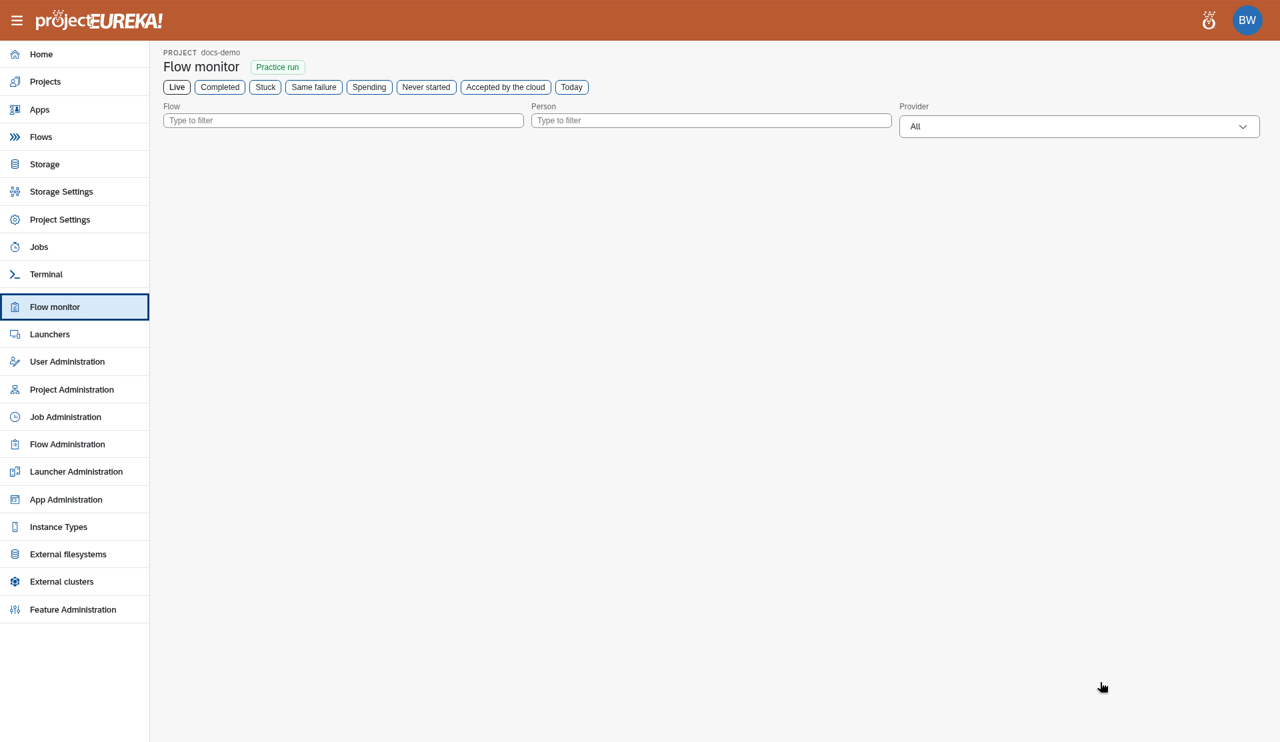
- Select a stage under Stages to see its output. Select Follow output to keep scrolling to the newest lines.
- Select Download to get that run’s output for the stage: the files in the stage’s
out/folder (a zip if there is more than one), or the stage log if that folder is empty.
Google Cloud
AWS
Kubernetes
public/screenshots/run-flow/run-flow-step2.k8s.pngTo end a run, select Stop on the flow in Flows. Stop returns at once when nothing is still running, and the run is marked stopped so you can submit again. If the run is still connecting (SSH has not finished), Stop tears the machine down immediately instead of waiting out the connection retries.
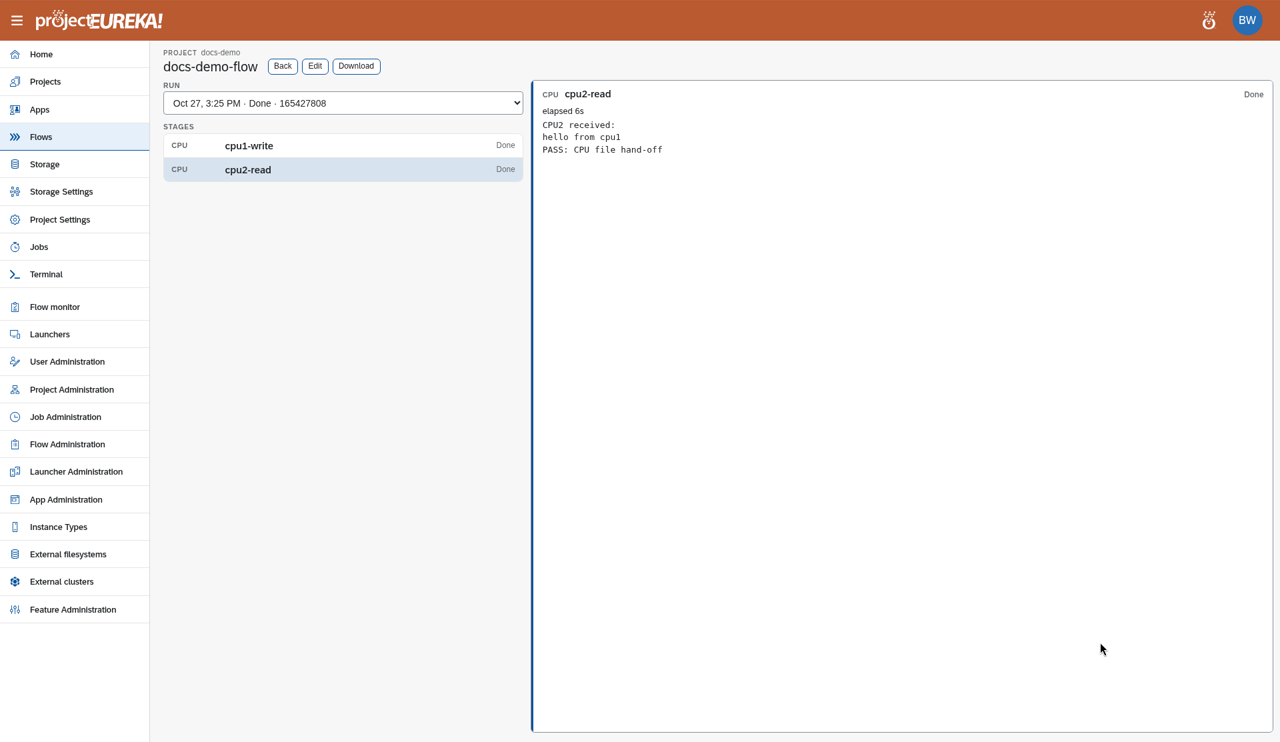
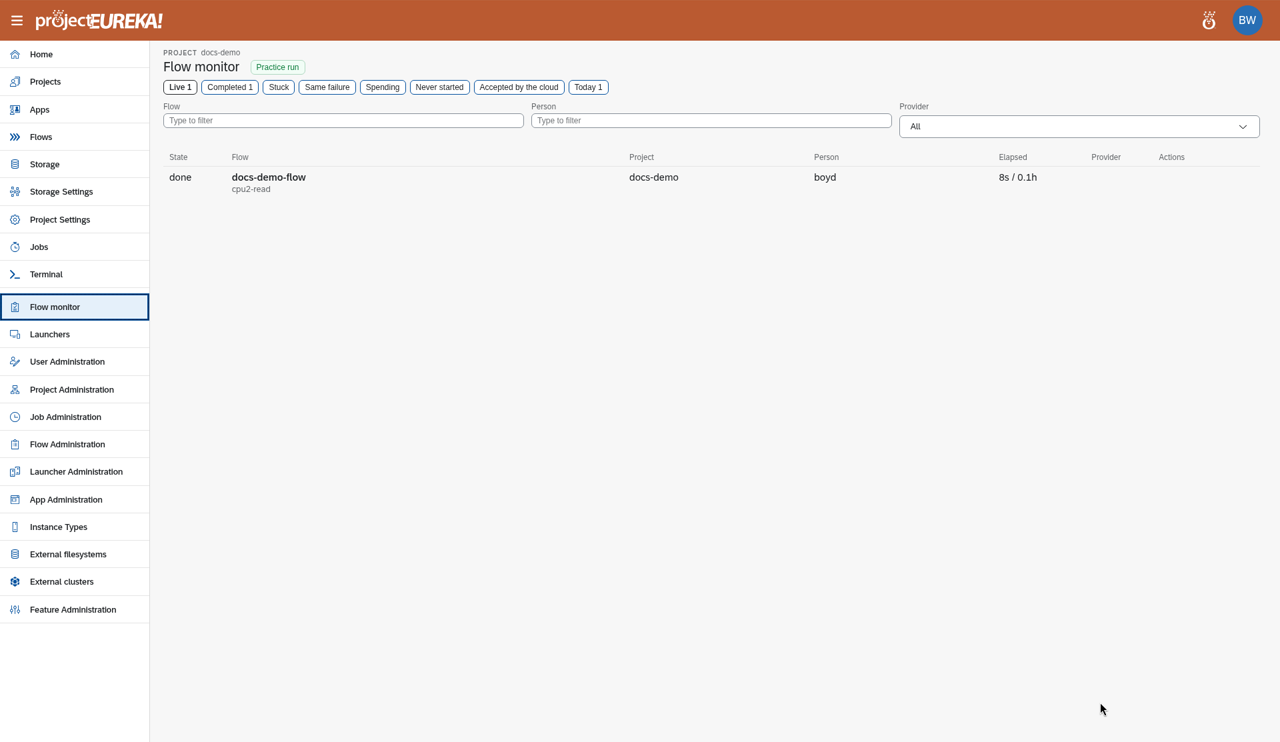
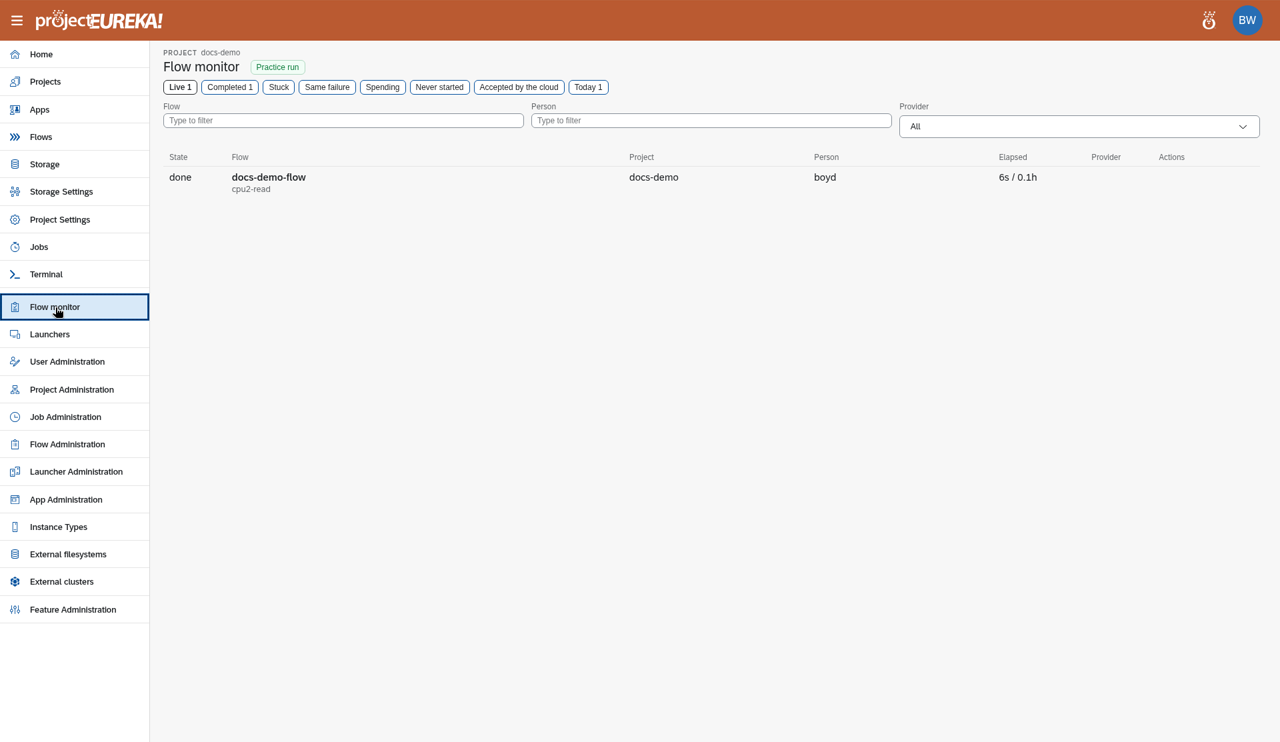
Flow monitor in the side bar shows all running flows in the project. Today (and the day’s Completed list) uses your local day, not the login host’s clock.
Google Cloud
AWS
Kubernetes
public/screenshots/flow-monitor/flow-monitor-step1.k8s.pngWhat happens
Section titled “What happens”- Each stage runs under its time limit. Stages that boot a machine are stopped at the limit. Model, quantum, login-node, and external-cluster stages are marked timed out, but the remote work is not cancelled.
- Output goes to
prj-storage/flows/<flow>/, one folder per run and one folder per stage (in/,out/,log/,work/). - A run shows Running, Stopping, Stopped, Failed, or Done. A stage shows Waiting, Running, Done, Failed, Cancelled, or Skipped.
- If a stage fails and If this stage fails, fail the flow is on, later stages do not start and running stages are stopped. With it off, the flow continues.
- If a Kubernetes stage cannot be scheduled, or its machines never become ready, the unused pool is removed and the run is marked failed, or timed out when the wait expires. See How flows run.
- You can stop your own runs. The project Owner and system admins can stop any run.