Change project settings
Owners and admins change a project from Project Settings. Others see the page read only, with the note Read only. Only project Owners or admins can change this.
project-settings project-settings project-settings Google Cloud video: https://docs.projecteureka.ai/clips/project-settings/gcp/project-settings.gcp.mp4
AWS video: https://docs.projecteureka.ai/clips/project-settings/aws/project-settings.aws.mp4
Kubernetes video: https://docs.projecteureka.ai/clips/project-settings/k8s/project-settings.k8s.mp4
-
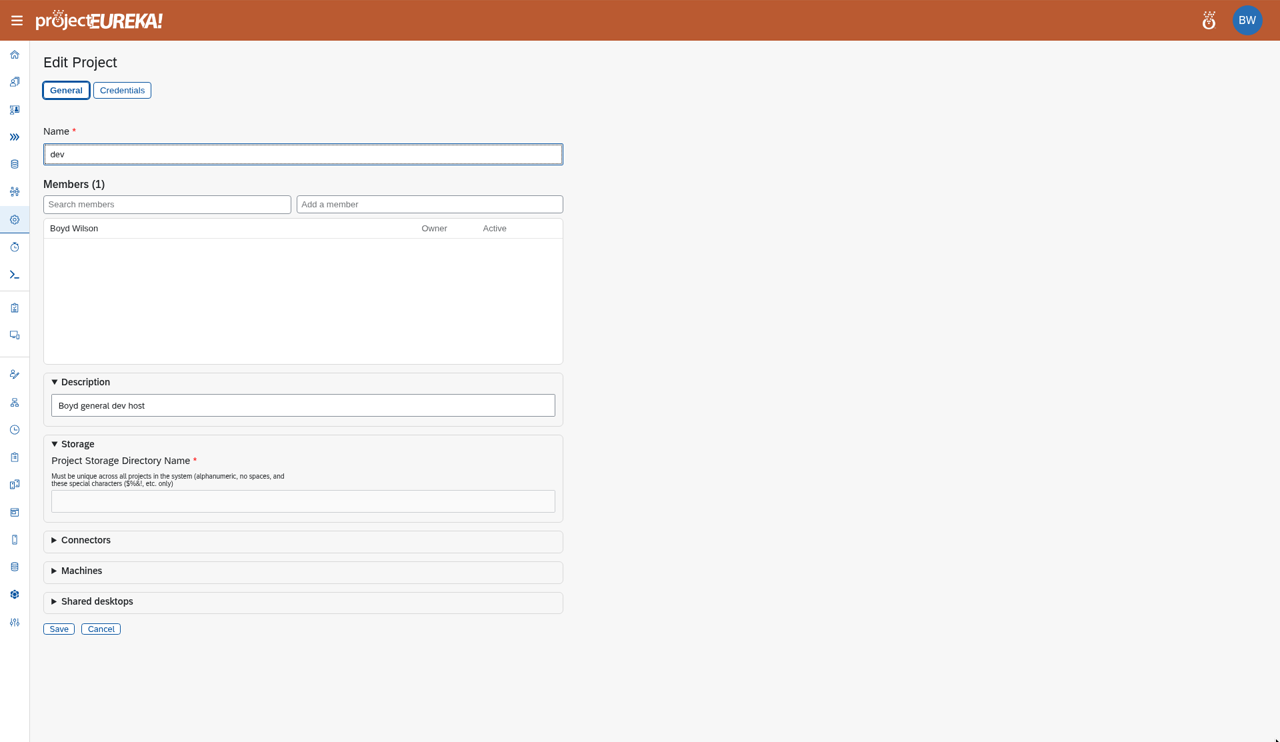
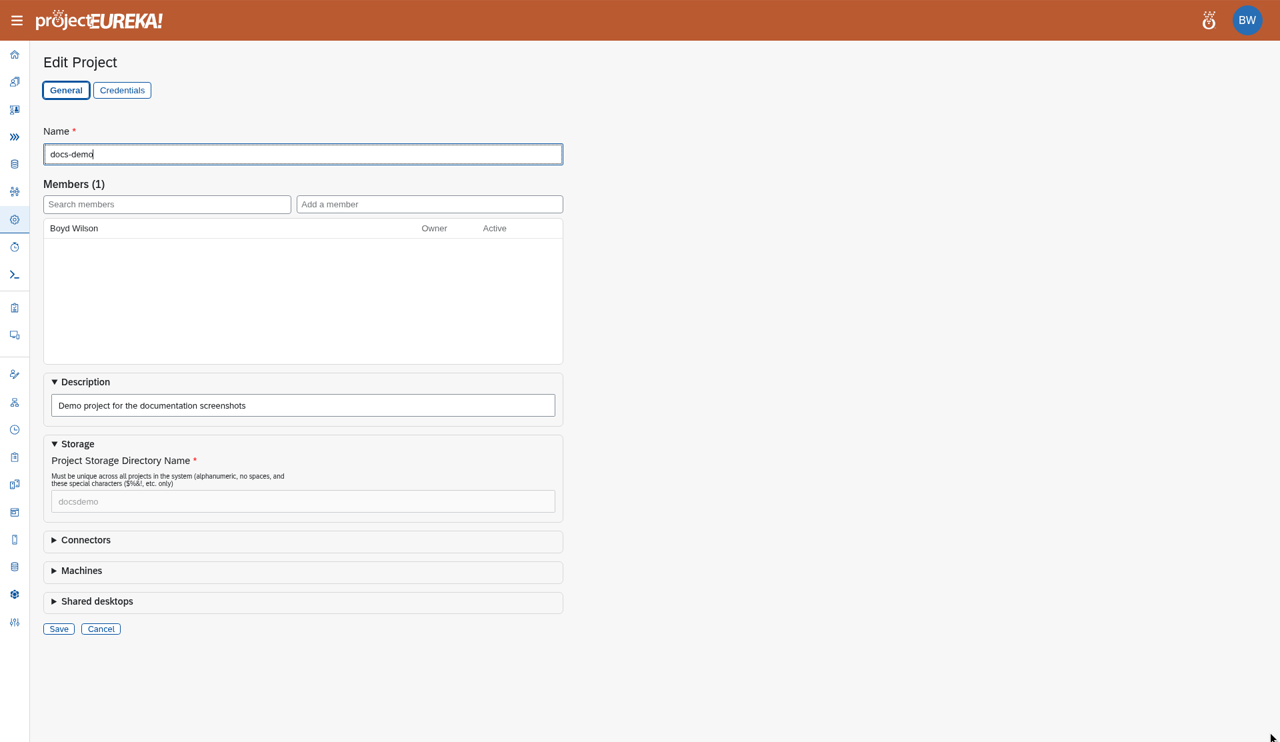
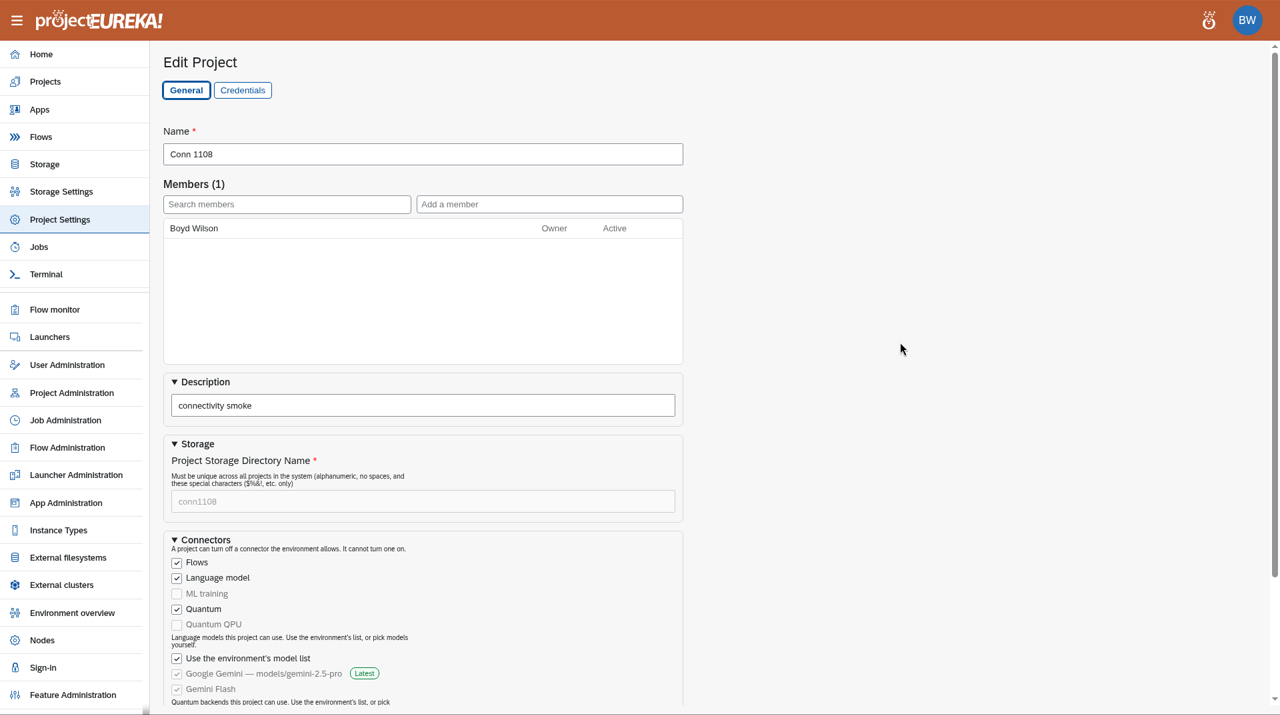
Open the project and select Project Settings in the side bar, or select ☰ on the project card and then Project Settings. The Edit Project page opens on the General tab.
-
Open the section you want:
- Description
- Storage shows the project storage directory. It cannot be changed.
- Connectors turns off flow connectors (language model, ML, quantum) for this project. A project can turn off a connector the environment allows. It cannot turn one on. You can also limit which language models and quantum backends the project uses.
- Machines sets Spot restarts, Run time limit, Max run time, Nodes shown in sinfo, and Delete paused disks after.
- Shared desktops has two switches, both off by default. Shared desktops allows a shared VNC desktop launcher. Project login creates the project user (see below). A shared launcher needs both.
- The Credentials tab holds the project’s API keys. See Project credentials.
Members is on the General tab too. See Add and manage members.
-
Select Save.
Google Cloud
AWS
Kubernetes
- Run time limit blank uses the system default. Max run time blank uses the system default max. An Owner can only lower a saved project max; an admin can raise it up to the hard ceiling. See Time limits.
- Delete paused disks after: a project can only lower the number of days. The Owner gets a warning the day before a disk is deleted.
Link new sign-ins automatically
Section titled “Link new sign-ins automatically”Two switches in the Shared desktops section of the General tab control whether a new sign-in is linked to a member without an admin approving it. Both are off by default, so nothing changes until you turn them on.
- Auto-link sign-in identities: when a person signs in with Google or InCommon for the first time and their verified email (or, for InCommon, the eppn or mail the institution sends) matches exactly one member of this project, Eureka links that sign-in to the member. An Owner or a system admin can change it. Anyone else gets “Only a project Owner or a system admin may change auto-link.”
- Allow auto-link for owners and system admins: lets this also apply to project Owners and system admins. Only a system admin can change it. Anyone else gets “Only a system admin may allow auto-link for owners and system admins.”
An unverified email, more than one matching member, or a domain or institution the admin has not allowed is never linked this way and goes to Access requests as before. See Sign-in for the full rules. The same switches are available from the CLI as eureka project auto-link NAME on|off and eureka project auto-link-privileged NAME on|off, and from MCP as project_auto_link.
Project user
Section titled “Project user”The project user is an optional Unix (LDAP) account that belongs to the project, not to a person. It is off by default.
- Turn it on: an Owner or a system admin selects Project login and saves. projectEureka then creates the account.
- Name: the Project user prefix (default
_pe_, set by an admin in Feature Administration > Project accounts) plus the project name. A project keeps its name if the prefix changes later. - No sign-in: the account has no password and its shell is
/sbin/nologin. It cannot sign in to the portal, and members do not switch to it. - Home:
/vault/home/.project-<name>, readable only by the account (mode0700). It is outside the project directory. - Project directory: the account gets read, write, and run access on
prj-storage, including new files. - What runs as it: only a shared desktop. A private session, a flow stage, and a Slurm job still run as the person who started it.
- Flow output files: a language-model or quantum stage writes its files as the person who ran the flow, mode
0640(owner read/write, group read). The group is the project user’s own group when the project has one and Project login is on; otherwise it is that person’s primary group. While Project login is on, every Owner, Editor and Reader is a member of the project user’s group, so group read reaches every member; a person who leaves the project or loses their role is removed from the group. The group is set by projectEureka: an Owner cannot change it, and only a system admin can override it. - Turning it off stops any running shared desktop, empties the project user’s group, clears the project’s group link, and removes the project user’s access from project storage. The account, its home, and the project directory are kept. The settings page says: “Turning off Project login keeps the project user’s home folder. Deleting the project removes it.” New flow output goes to the runner’s primary group unless an admin set a group on the project.
- Removing the account or home: deleting the project removes them. When the purge runs it deletes the project user’s sign-in entry and group, its home (
/vault/home/.project-<name>), and its account record. Turning Project login off does not remove them.