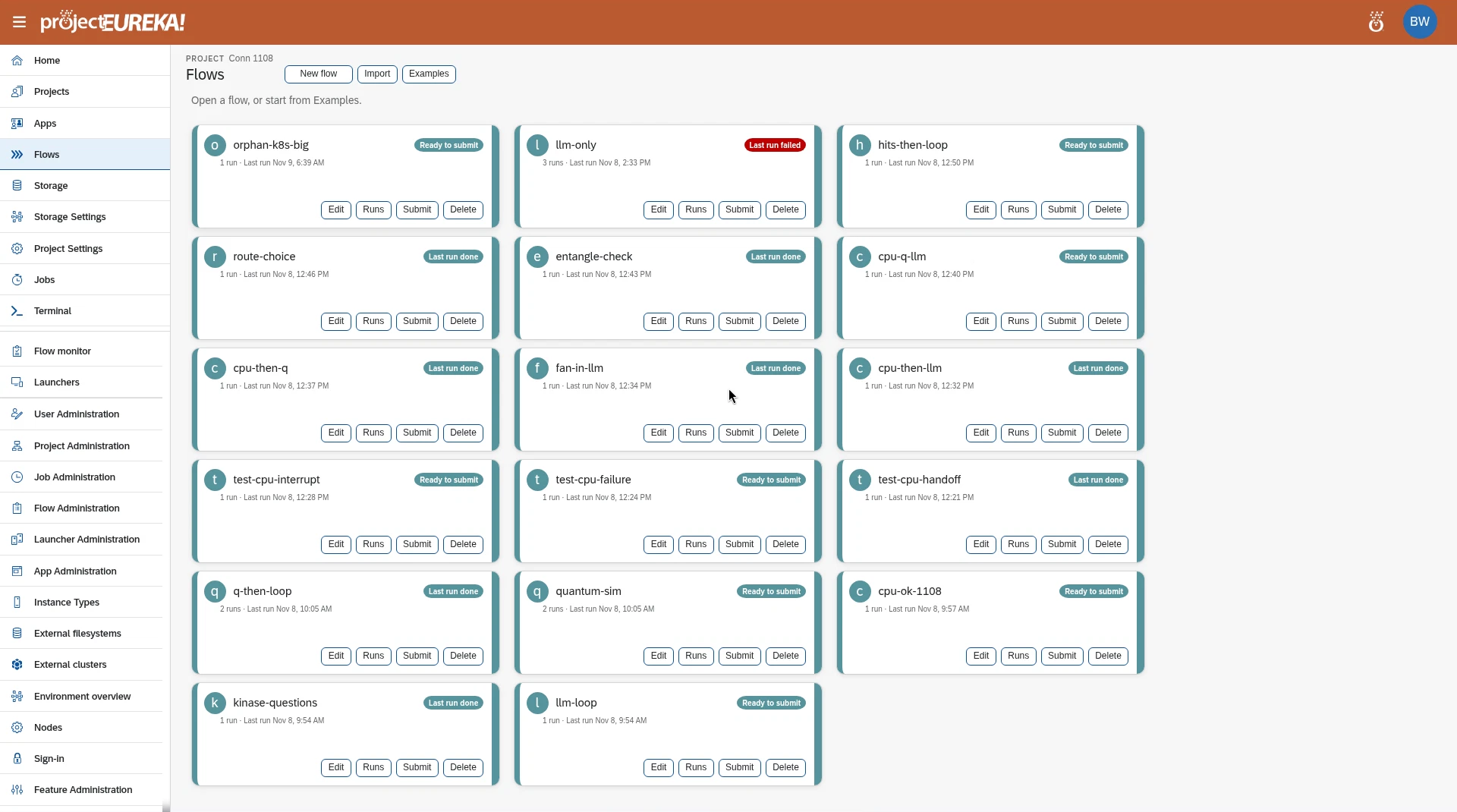
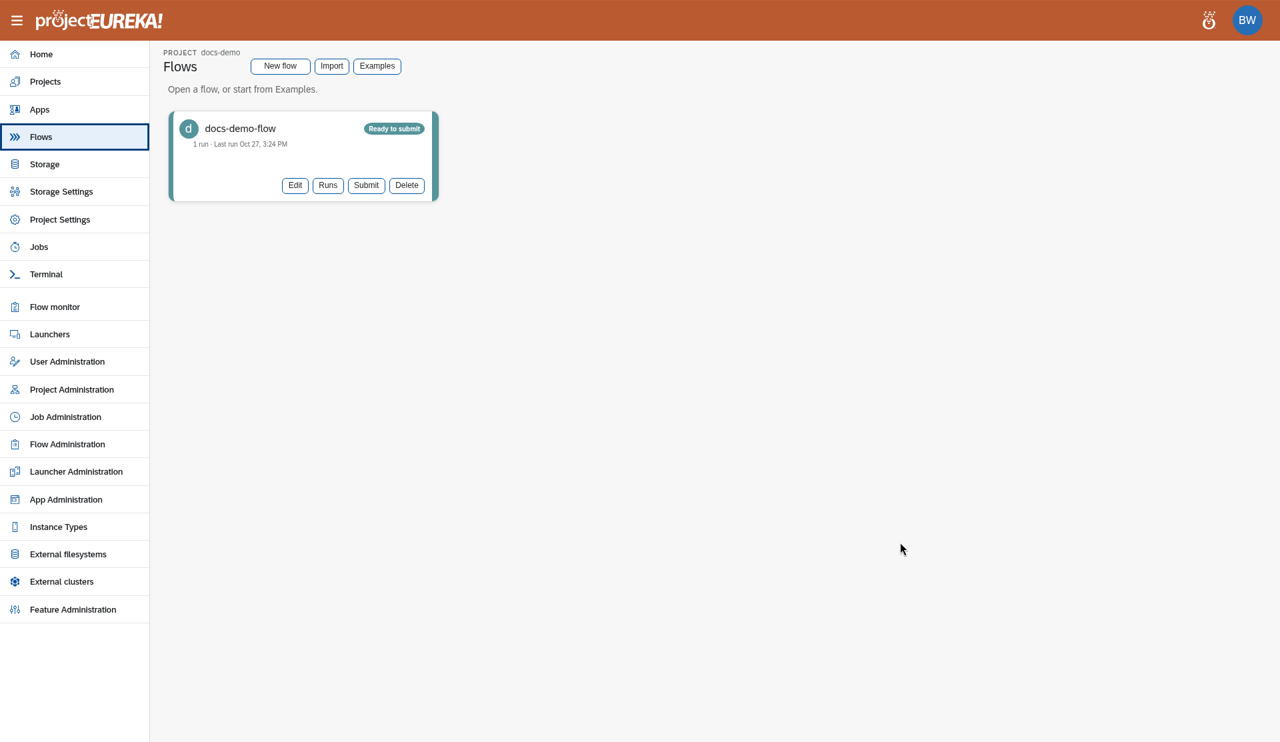
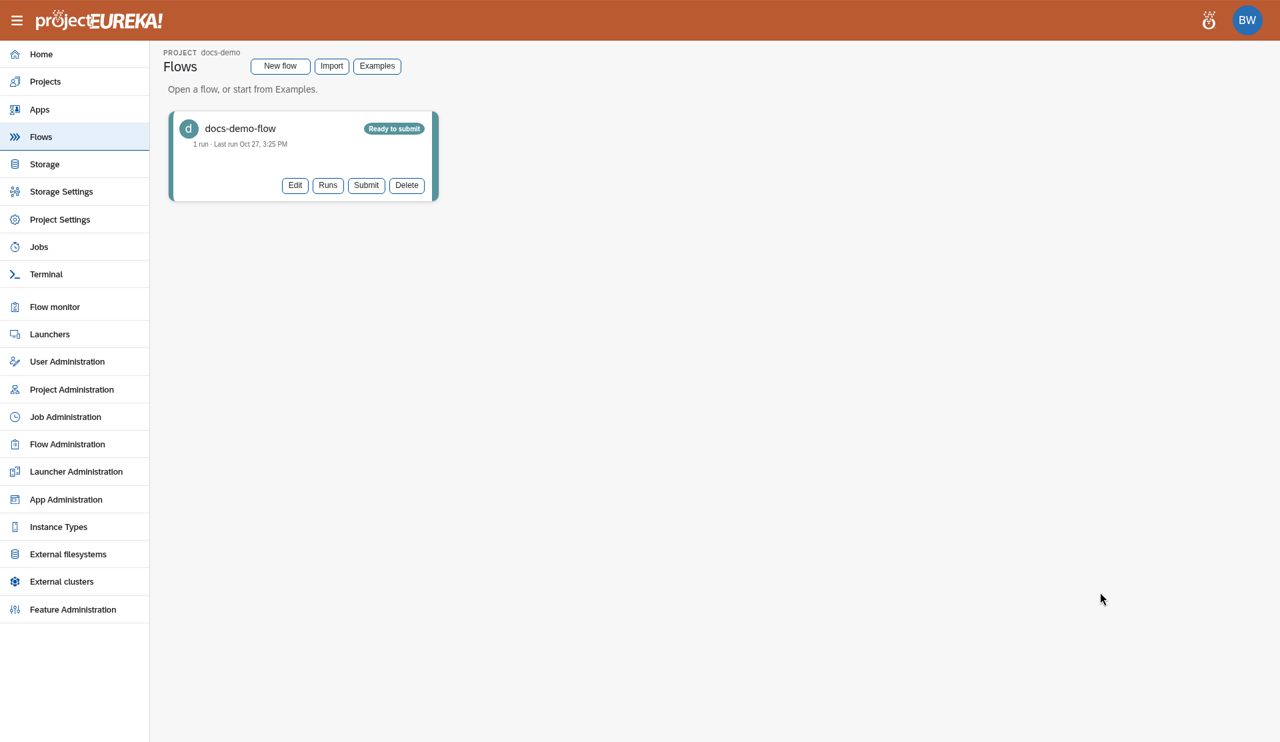
A flow is a list of stages that run in order, such as a CPU job, a GPU job, a copy, or a language-model step. Flows lists the project’s flows.
From Flows you can select New flow, Import, or Examples, and on a flow: Edit, Runs, Submit, and Delete (Stop while it runs).
Delete removes the flow record, its run history, and its folder prj-storage/flows/<flow>/ with every file in it. The confirm dialog names the folder. In the portal it does not stop a running job. Only the project Owner or a system admin can delete a flow.
eureka flow delete WORKFLOW refuses while a run is still open. --stop-runs stops those runs and does not delete yet. Run it again once they are done. eureka flow import never reuses a name already on the project. It saves the copy under a new name and says so. eureka flow export prints the flow and its scripts. The MCP tools are delete_flow (stopRuns), save_flow, and export_flow.
Each flow has a folder in the project directory, shown on the Storage page as prj-storage/flows/<flow>/. Each run is stored under that folder.
How it works
Section titled “How it works”Stages run top to bottom. A bar beside stages runs them at the same time. Each Submit creates a run whose files are under prj-storage/flows/<flow>/. See How flows run.
Import creates a flow from a flow JSON file, and Examples copies a ready-made flow from the catalog into the project.
Examples that do not fit this environment
Section titled “Examples that do not fit this environment”An example can say where it runs. In the example index a flow lists platforms (any of aws, gcp, k8s; clouds is accepted as the same list) and arch (x86_64, arm64). A flow with no list runs anywhere on that point.
archis the machine type the stages run on, not the login or control node.- Examples shows an example that does not fit this environment grayed out, with the reason, for example “Runs on gcp, aws only. This environment is k8s.” or “Needs arm64. This environment runs x86_64.”
- If Eureka cannot tell which platform this environment is, an example that names platforms does not count as compatible. The reason says “cannot confirm”. If it cannot tell the target arch, it assumes
x86_64and says so. - Importing an example by its id does the same check and is refused with the same reason. The CLI accepts
--forceand MCP acceptsforce=trueto import it anyway. The portal never forces it. - Any other value (for example
azureoramd64) is an error in the index, not a match.
Who can do what
Section titled “Who can do what”- Editors and Owners create, edit, and submit flows.
- Readers can submit a saved flow and stop their own runs, but cannot change a flow.
- Only the project Owner or a system admin can delete a flow, or stop someone else’s run.
If admins turned off the flow editor, Flows does not show in the project.
Google Cloud
AWS
Kubernetes