Launch and open an app
launch-app launch-app launch-app Google Cloud video: https://docs.projecteureka.ai/clips/launch-app/gcp/launch-app.gcp.mp4
AWS video: https://docs.projecteureka.ai/clips/launch-app/aws/launch-app.aws.mp4
Kubernetes video: https://docs.projecteureka.ai/clips/launch-app/k8s/launch-app.k8s.mp4
Launch a session to work in a desktop, Jupyter, code-server, RStudio Server, or ParaView in your browser (desktop sessions include Firefox), on machines in your project. On AWS and Google Cloud the estimated cost is tracked under the project; Kubernetes environments show no prices.
Before you begin
Section titled “Before you begin”- You are a member of the project. Any role (Owner, Editor, or Reader) can launch from an existing launcher. A Reader can also delete a session they started.
- A launcher exists on Apps. If not, an Editor or Owner adds one (Add an app).
- Open the project. Apps opens.
- On a launcher card, select Launch. The session starts immediately. The instance type comes from the launcher’s App Settings, not from a prompt at launch time. The card shows Starting with the elapsed time (Starting desktop… for a desktop). Connecting opens the app when it answers. If that page has no app address, or it has waited 15 minutes, it stops and offers Retry. If you Delete the session while it is still connecting, the machine is torn down immediately instead of waiting out the connection retries.
- When the session is running, select Connect.
- When you are done, select Pause to keep the disk, or Delete to end the session. On Kubernetes, Delete shows Deleting… for a few minutes while the machine and disk are removed.
Google Cloud
AWS
Kubernetes
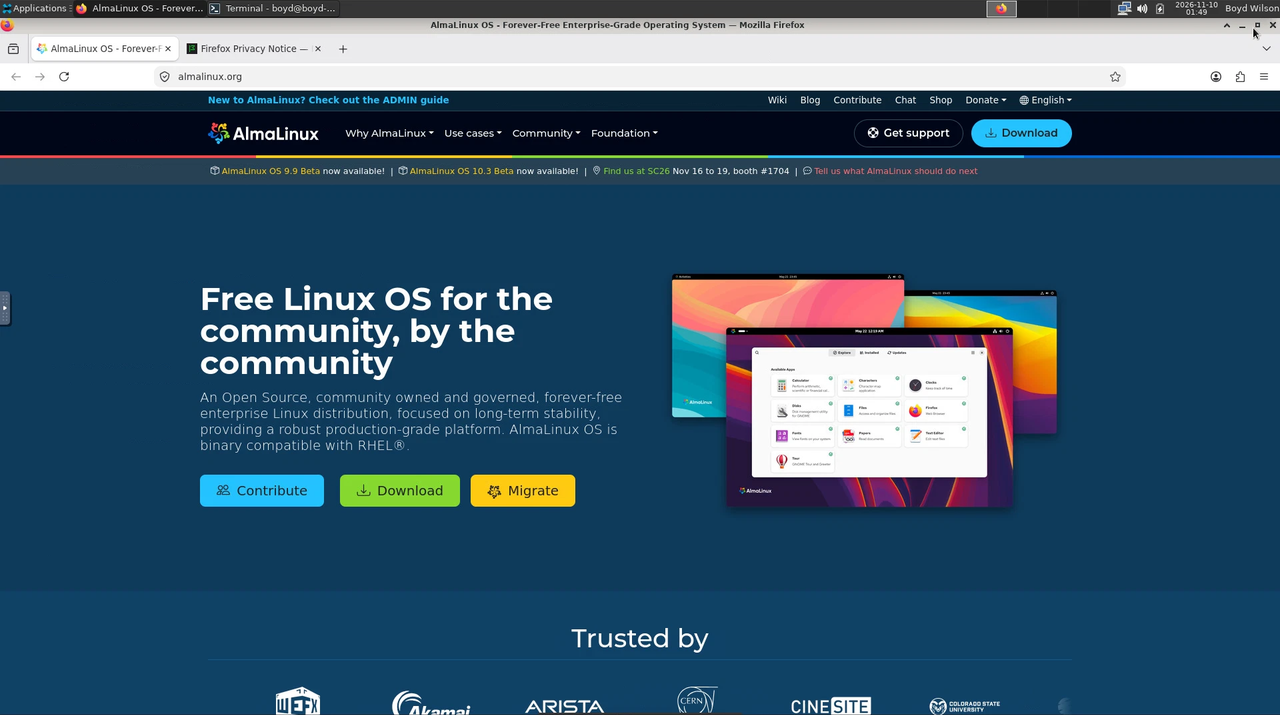
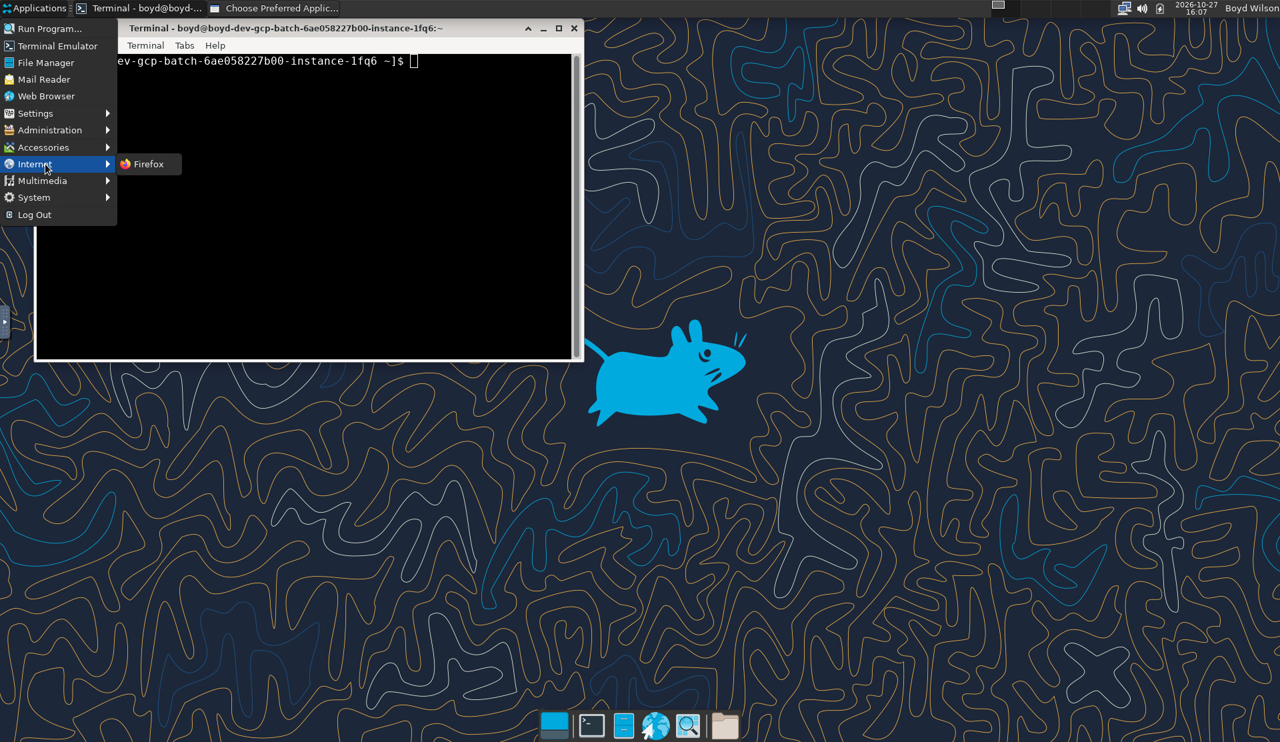
On Kubernetes there is no separate Firefox app. Open Firefox from a Desktop session (Applications or Web Browser).
Shared desktops
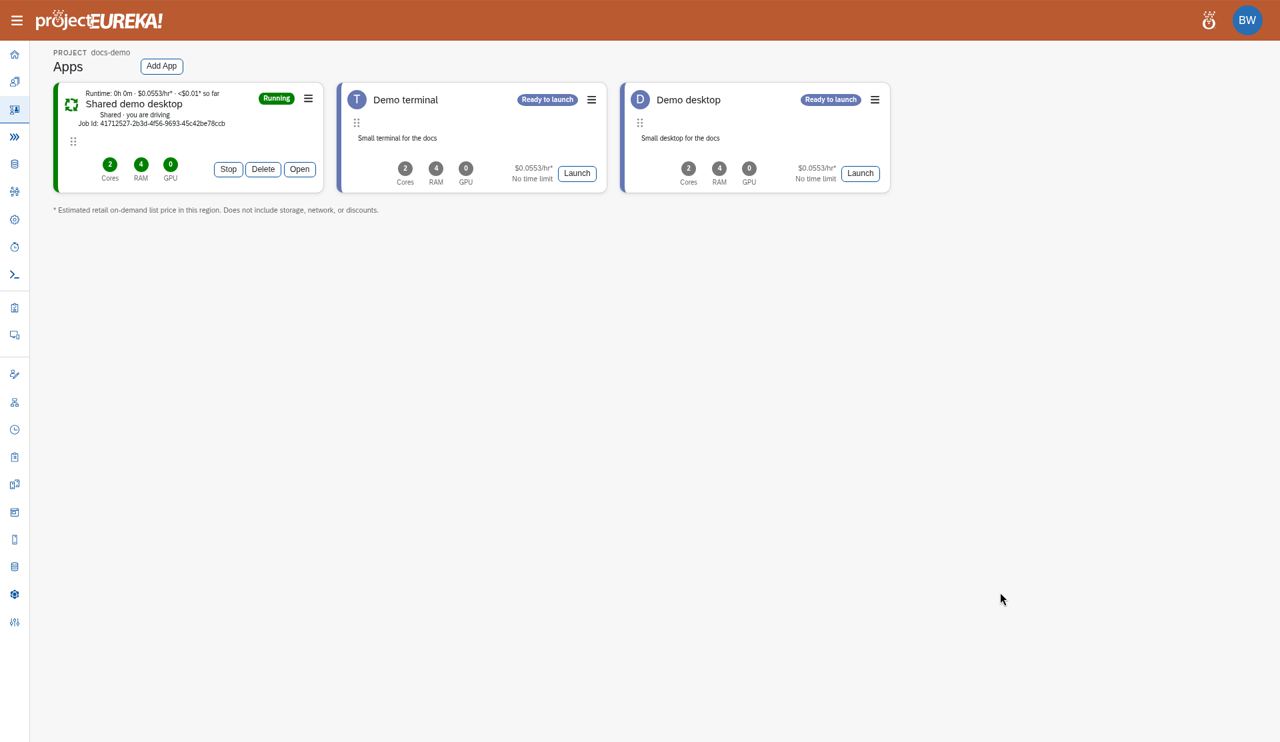
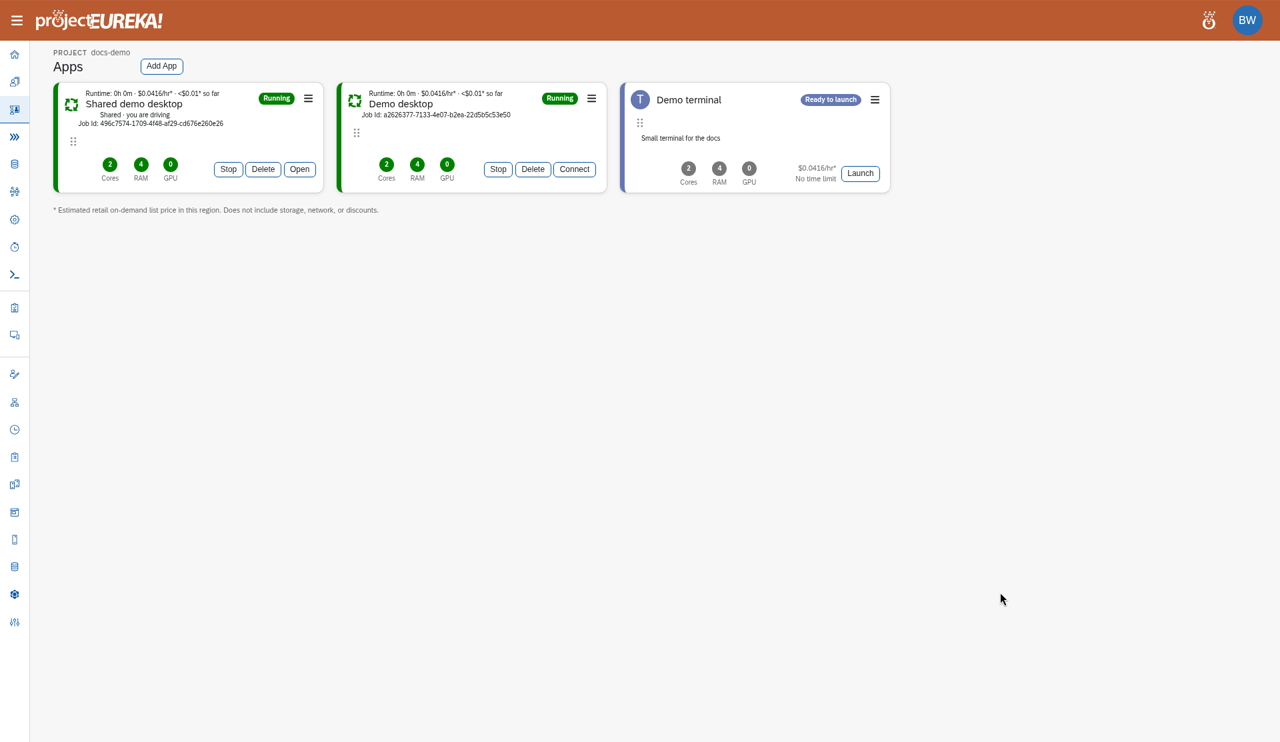
Section titled “Shared desktops”A shared launcher runs one desktop for the project. The card says Shared with project. The Shared with project checkbox is available only when Shared desktops and Project login are both on in Project Settings. One person drives (Shared · you are driving) and others watch (Shared · watching). Editors and Owners can press Request control, and an Owner can force-take control. Readers can watch a shared desktop but never control it: they get no Request control button, and the server refuses their requests. A Reader who launches a shared desktop also only watches it; an Editor takes over with Request control (it passes at once after 5 minutes without input) or an Owner forces it.
Google Cloud
AWS
Kubernetes
On Kubernetes the Shared with project checkbox stays off until Shared desktops and Project login are both on in Project Settings. A running shared-desktop card looks the same as on the other clouds once those are on.Result
Section titled “Result”The card shows the session. Its estimated cost accrues until you Pause (the disk is kept) or Delete. A clock shows the time limit; select Extend on the clock when allowed.