Storage settings
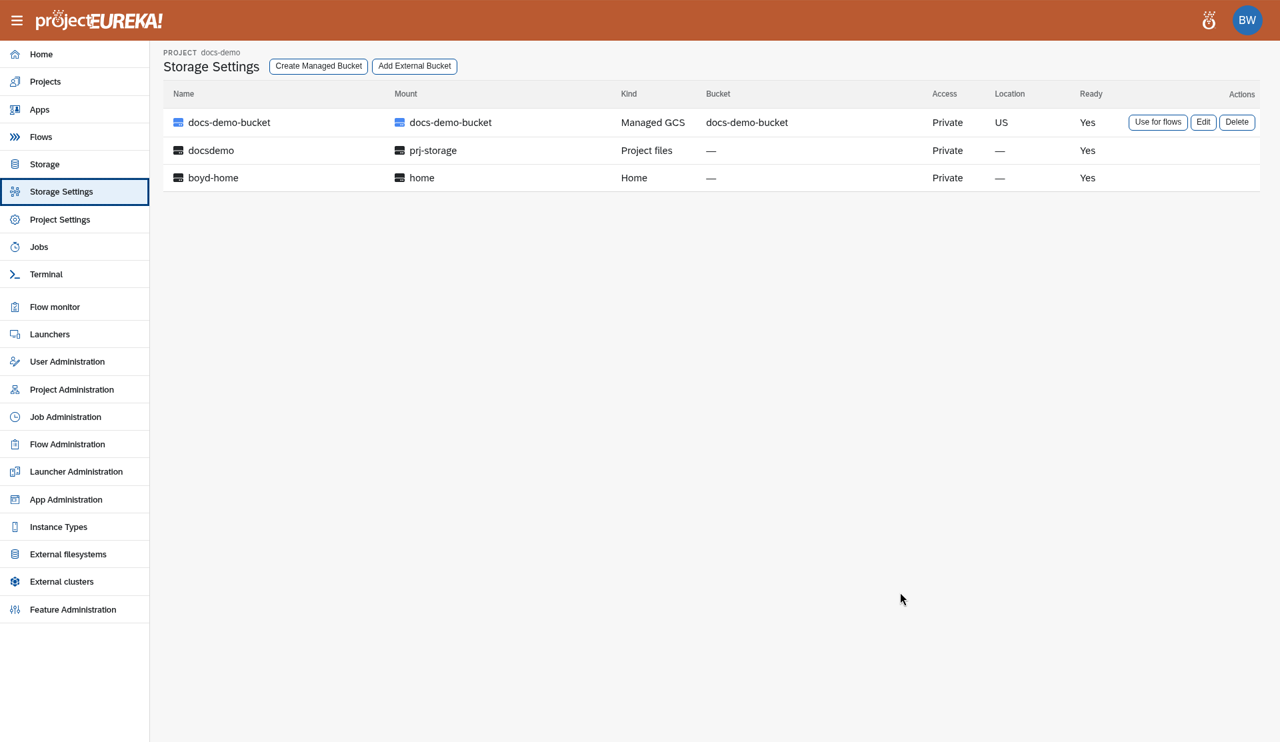
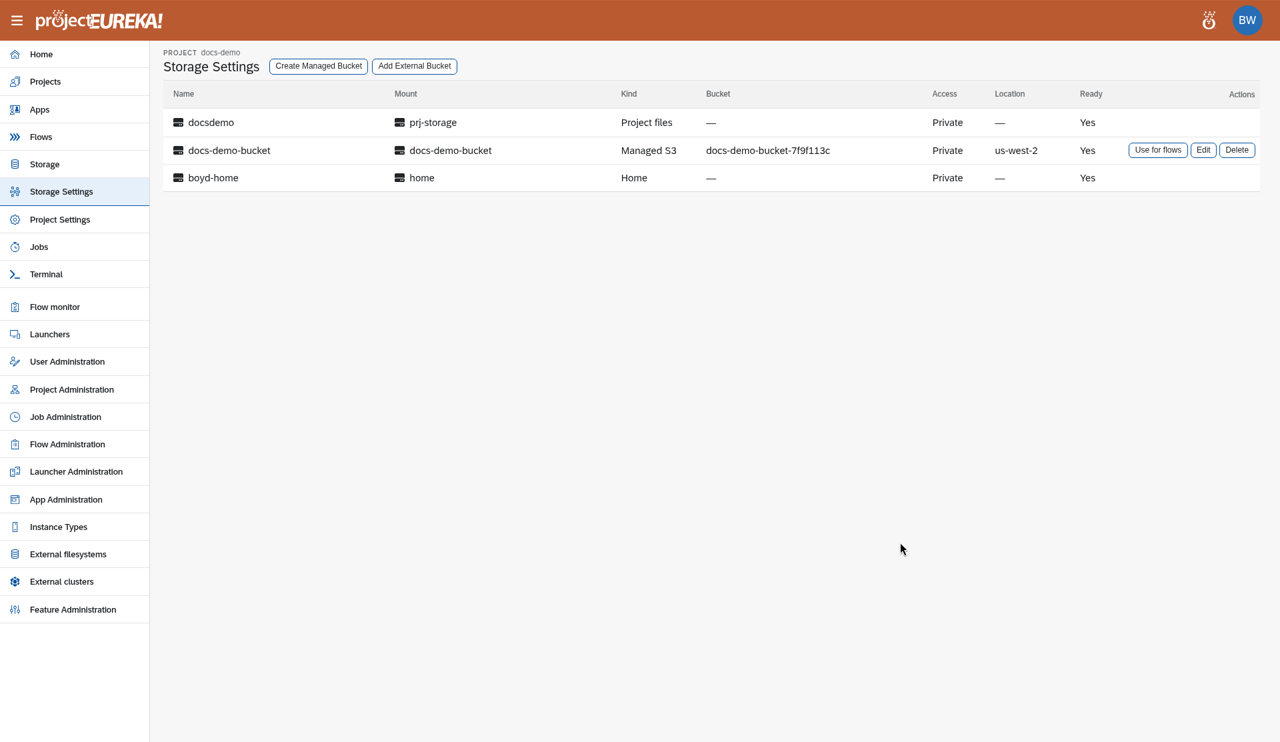
Each project has Storage Settings, where Editors, Owners, and admins manage buckets.
Managed and external
Section titled “Managed and external”| Managed bucket | External bucket | |
|---|---|---|
| Created by | projectEureka, in this cloud account | Someone else |
| Delete removes the cloud bucket | Only when it is empty | Never |
| Delete removes the projectEureka entry | Yes | Yes |
Project directories (prj-storage) and homes are mounted storage, not buckets.
Create a managed bucket
Section titled “Create a managed bucket”See Use buckets. The bucket shows as Creating… until it is ready. A failed create shows the reason on the row. If the cloud name is not a valid bucket name, Delete removes that failed row. There is no cloud bucket to keep. A name or mount target the project already uses is refused before a row is created. An external bucket with an empty mount target is stored under the bucket name.
Delete a bucket
Section titled “Delete a bucket”- On the row, select Actions > Delete, and confirm.
- Read the message:
- The empty cloud bucket and the projectEureka entry were removed.
- The cloud bucket was already gone. The projectEureka entry was removed.
- This bucket was not removed when it still has files. Empty it first, or select Remove projectEureka entry to keep the bucket and files and remove only the entry.
Google Cloud
AWS
Kubernetes
On Kubernetes there are no managed buckets. Project Storage Settings lists homes and project files, and you can add an external bucket. See Use buckets.projectEureka never deletes files in a bucket to empty it.