projectEureka tracks estimated costs per project so teams can see what their running work costs. It does not bill anyone; billing goes through your organization’s procurement and the cloud provider’s billing console. The cost tags below let you split actual spend by user and project there. For how the estimate is calculated and what it leaves out, see How costs are tracked.
Before you begin
Section titled “Before you begin”- You must be a System admin to use Instance Types, Job Administration, and Flow Administration.
- To split spend by tag, turn on
eureka-user,eureka-project, andeureka-envas cost allocation tags (AWS) or group by label (Google Cloud) in the billing console.
Where costs show
Section titled “Where costs show”- Home project cards show a cost per hour and a total so far for running apps and flows.
- The flow editor shows a Cost estimate for each stage.
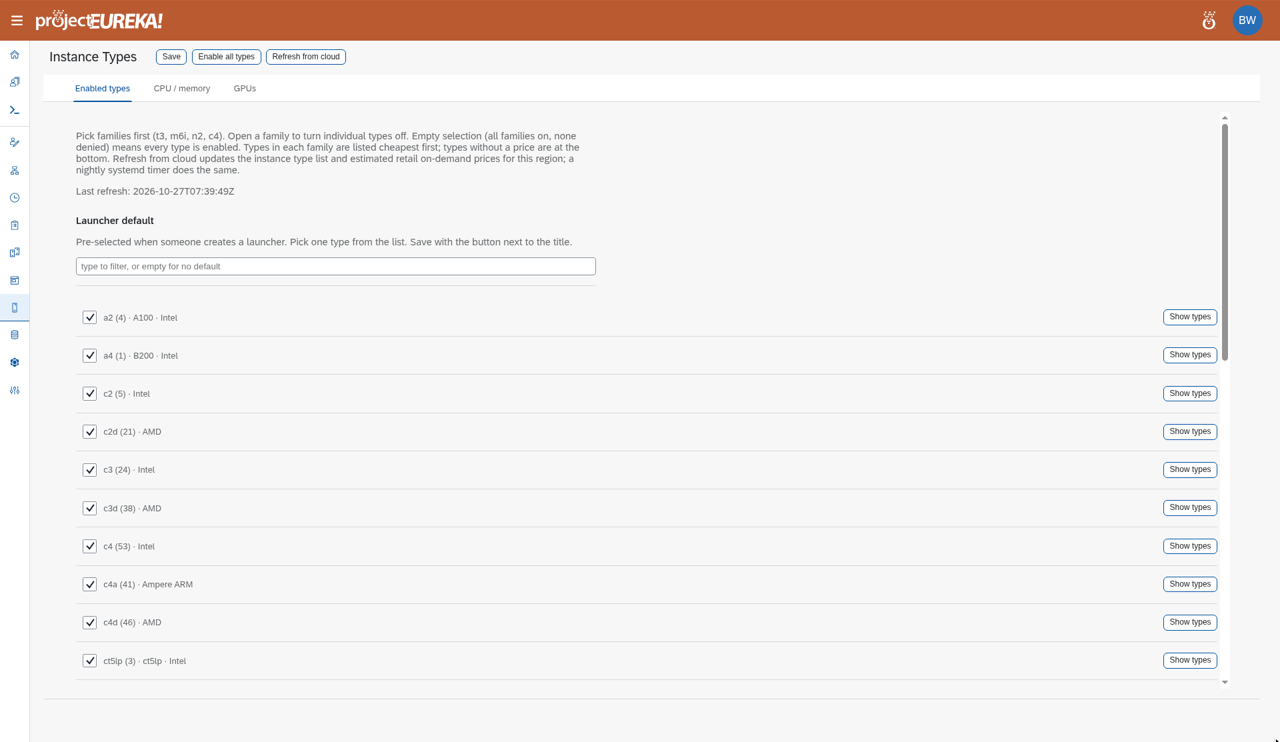
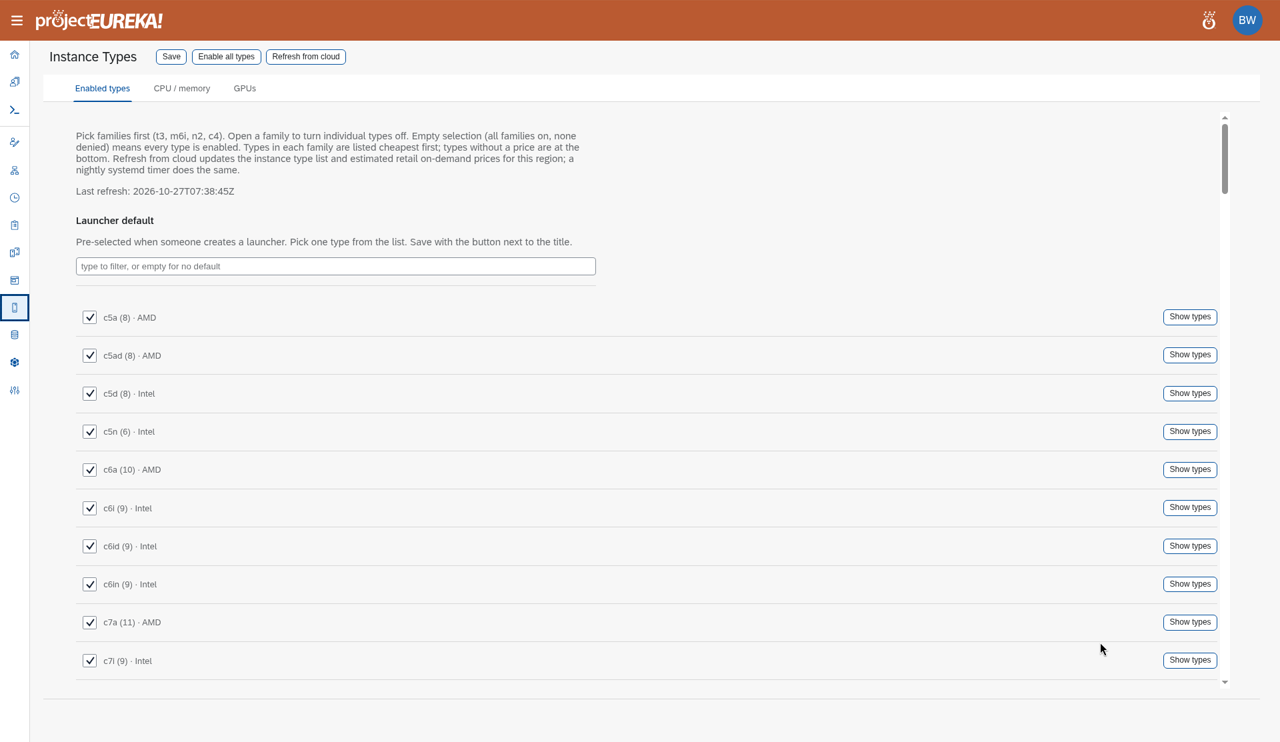
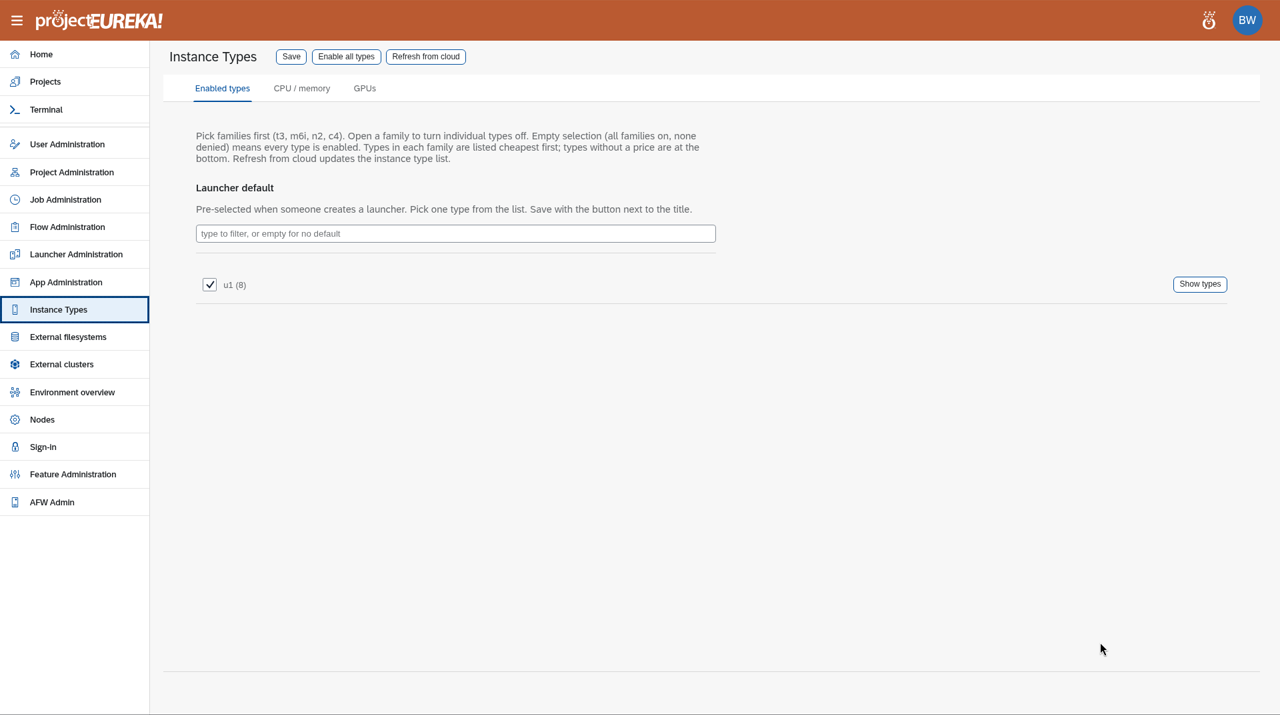
- Instance Types sets which machine types are enabled and the CPU, memory, and GPU maps. Prices shown there are list prices.
Google Cloud
AWS
Kubernetes
Prices marked * are estimated retail on-demand list prices in this region. They do not include storage, network, or discounts.
Job Administration and Flow Administration list jobs and flows in all projects.
There is no cost report and no export. For actual spend, use your cloud provider’s billing console.