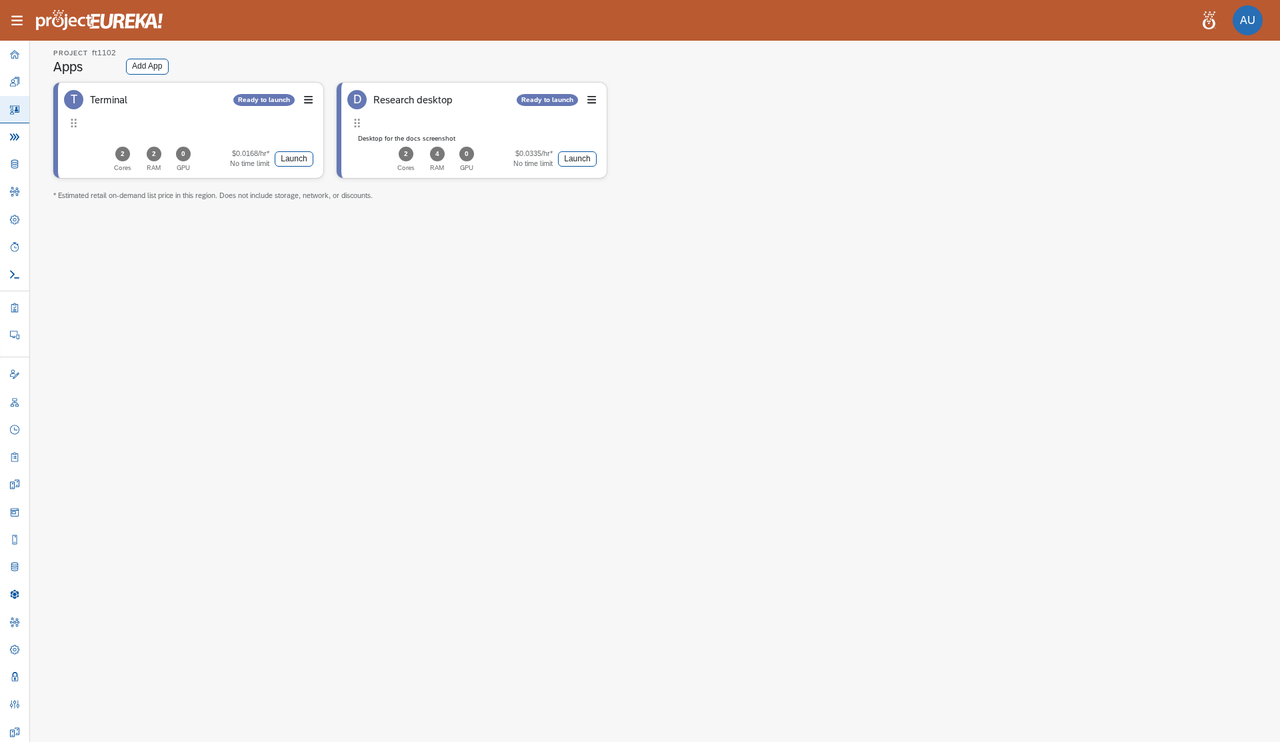
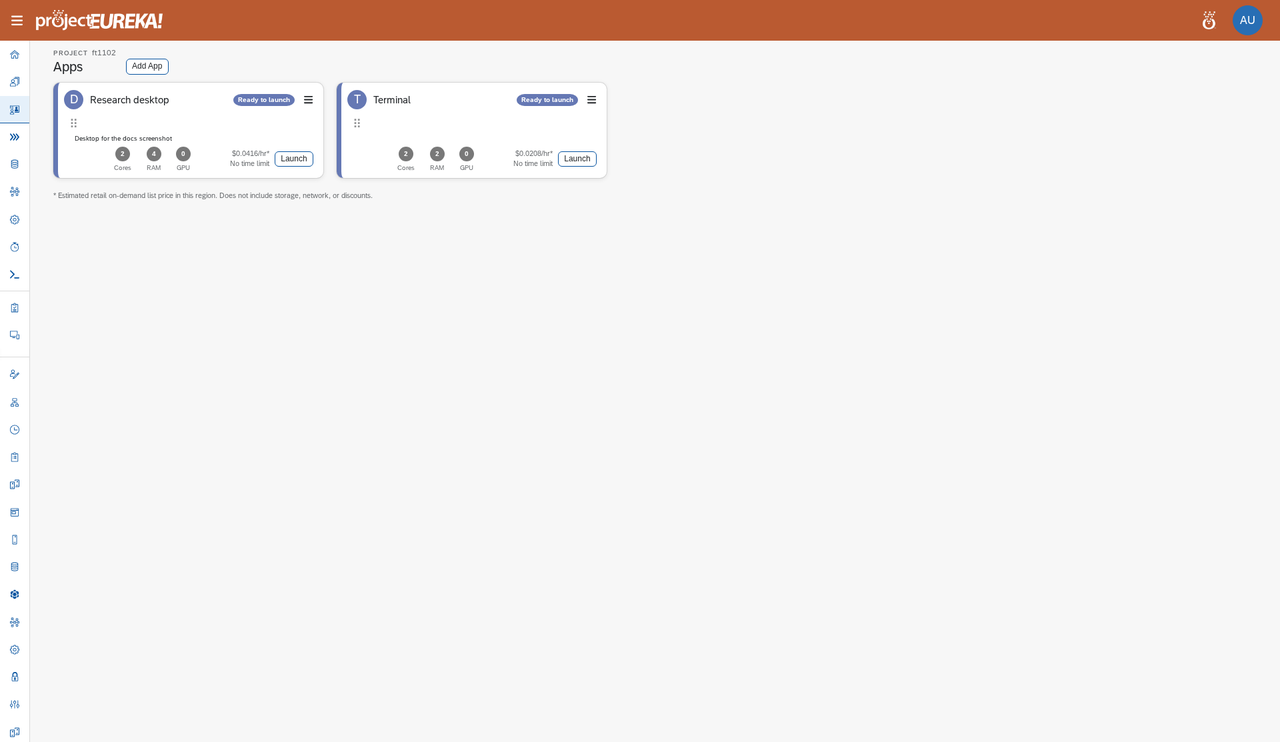
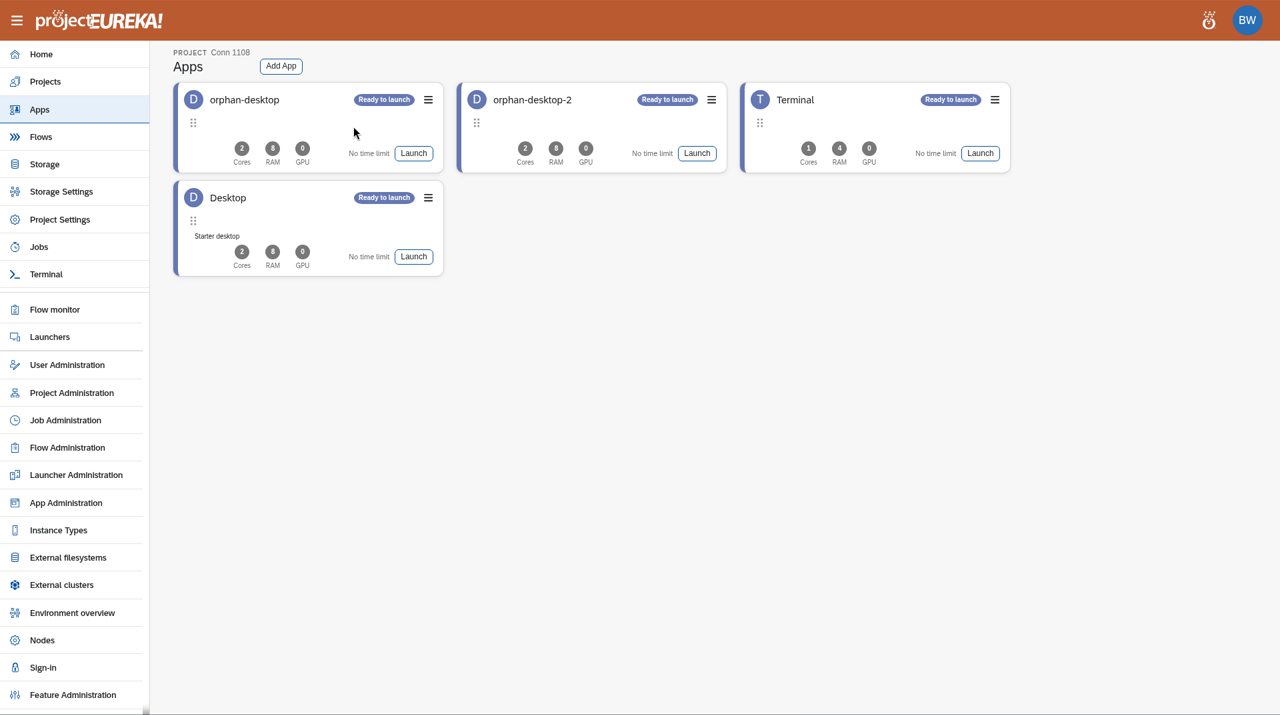
Apps shows the project’s launchers and your running sessions as cards. A launcher is a saved app setup (app, instance type, and options). Launching it starts a session.
Google Cloud
AWS
Kubernetes
Session buttons
Section titled “Session buttons”| Button | What it does |
|---|---|
| Launch | Starts a session from the launcher. |
| Connect | Opens a running desktop or app. A shared desktop you are driving shows Open instead. |
| Watch | Opens a shared desktop someone else is driving, view only. |
| Pause / Resume | Pauses the session: the machine stops and its disk is kept, then Resume starts it again. An admin can turn these off for the environment; the button then shows why when you hover over it. |
| Restart | Starts a session that was paused at its time limit. |
| Delete | Ends the session and removes the machine (terminate). |
| Launch again | Starts another session from the same launcher. |
| Session details | Shows cores, RAM, GPU, and the reason for the current state. |
A session can show a clock with its time limit. When allowed, select Extend on the clock to add time.
How sessions work
Section titled “How sessions work”A launcher is a saved setup. Each Launch starts a session: one or more machines of the launcher’s instance type. A session’s estimated cost accrues while its machines run; the project card on Home shows the cost per hour.
-
Starting… / Provisioning: the machine is being created.
-
Running: select Connect to use it. A session with more than one instance shows Running · N instances ▸. Select it to expand a list of each instance with its state, private and public IP, Connect, and Copy SSH (copies the SSH command).
-
Pause: the card shows Pausing…, then Paused. The disk is kept. Select Resume: the card shows Resuming…, then Running. A paused session has no machine cost, but its disk is kept.
Pause keeps the disk, not running programs: files you saved are there after Resume, but open programs and unsaved work are not.
-
Delete: the card shows Deleting…, then the session ends (Completed). The machine and its disk are removed. On Kubernetes this can take several minutes, because the virtual machine must shut down and its disk be deleted before the session ends. The card is not stuck; wait for Completed.
session-states session-states session-states Google Cloud video: https://docs.projecteureka.ai/clips/session-states/gcp/session-states.gcp.mp4
AWS video: https://docs.projecteureka.ai/clips/session-states/aws/session-states.aws.mp4
Kubernetes video: https://docs.projecteureka.ai/clips/session-states/k8s/session-states.k8s.mp4
At the run time limit, the launcher’s At the time limit setting applies:
- Pause: the session pauses at the limit; the machine stops and the disk is kept. Its card says it was paused at the time limit. Select Restart to start it again.
- Delete: the machine and disk are removed.
Paused disks are deleted after the project’s Delete paused disks after days. The Owner is warned the day before.
You can pause, resume, or restart your own sessions. The project Owner and system admins can do this for any session in the project.
A shared desktop is one VNC desktop for the whole project: one person drives and the others watch.