External filesystems and clusters
Use External filesystems to give projects access to existing NFS or OrangeFS data without copying it, or to move the standard home and project directories onto a larger mount. Use External clusters to register an existing Slurm cluster that flow HPC stages can submit jobs to.
Before you begin
Section titled “Before you begin”- You must be a System admin.
- The NFS or OrangeFS server must already export the path you want to mount, and must allow access from the environment’s nodes (the login node and the session and job machines). OrangeFS is an optional filesystem whose ports you configure on your server, so match your firewall rules to that setup.
- For an external cluster, each user who runs an HPC stage needs an account on that cluster. projectEureka connects with the key in the user’s home folder (
~/.ssh/id_rsa); the user adds the matching public key, shown in their Profile, to their cluster account.
External filesystems
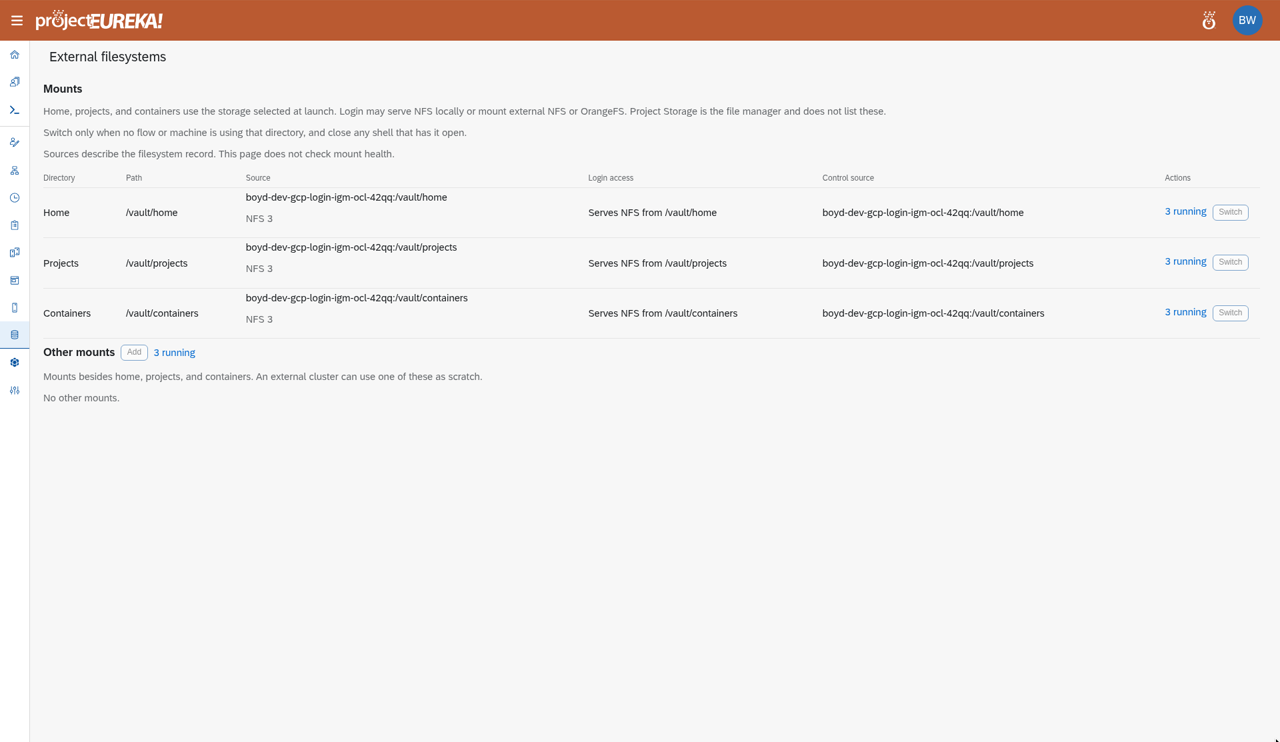
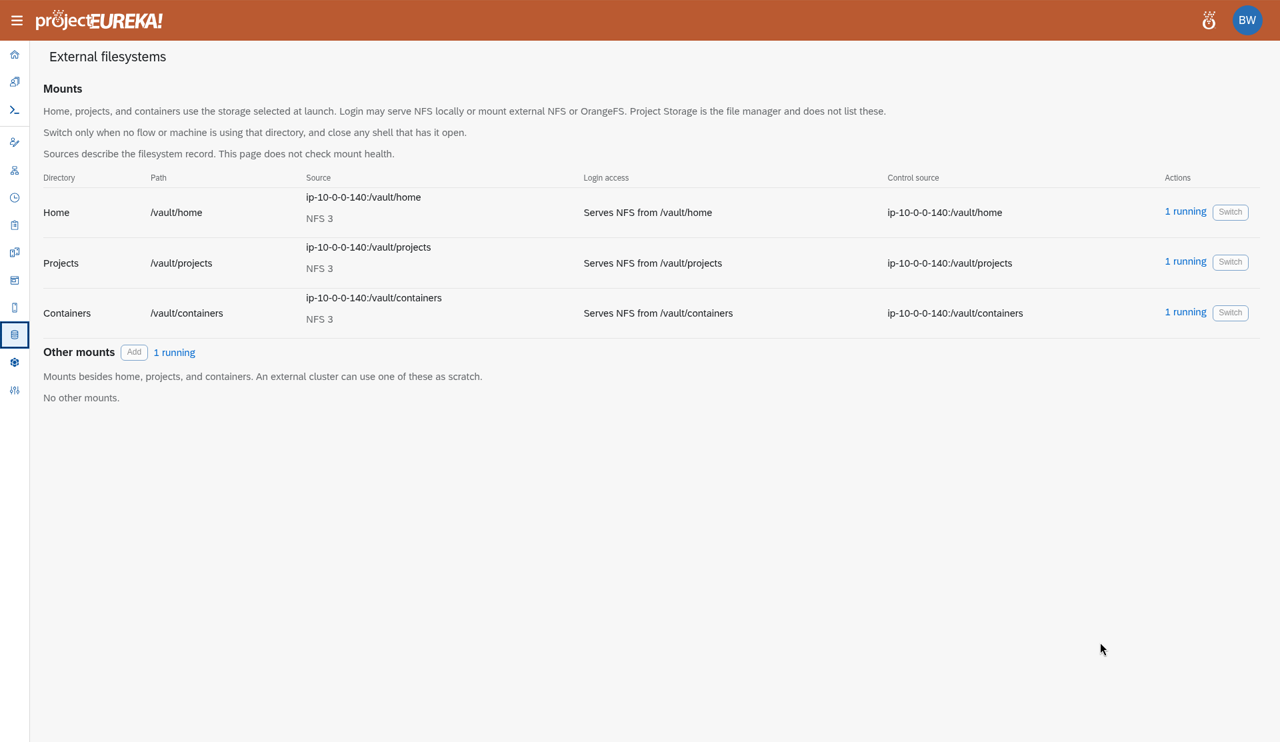
Section titled “External filesystems”External filesystems has three sections: Mounts (the standard home and project trees), Additional launch mounts, and Other mounts.
- Under Other mounts, select Add. In New mount, fill in Server (host name or address of the NFS or OrangeFS server), Export path, NFS version, and Local path (where it is mounted).
- Choose Projects that may use it.
- Save.
Google Cloud
AWS
Kubernetes
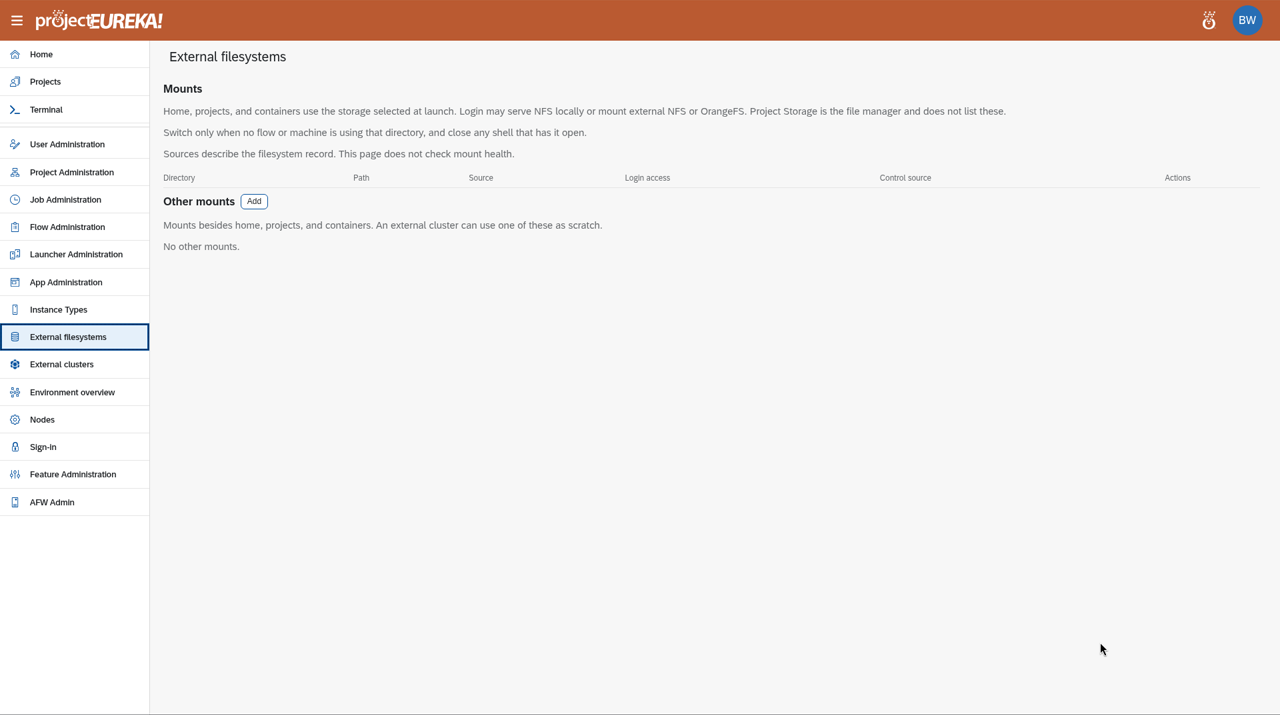
The mount is made at Local path on the login node and on the session and job machines of the projects that may use it. The new mount shows under Other mounts. This page shows the mount record; it does not check that the mount is healthy, so check the path from a Terminal on the login node.
Switch
Section titled “Switch”Under Mounts, Switch moves a standard tree (homes, projects) to another mount. The login node’s copy of that directory is hidden. The operation runs in the background and keeps running if you close the dialog or the page; its status shows at the top of the page. Switch only when no flow or machine is using that directory, and close any shell that has it open. Switch is unavailable while sessions or jobs are using the directory.
External clusters
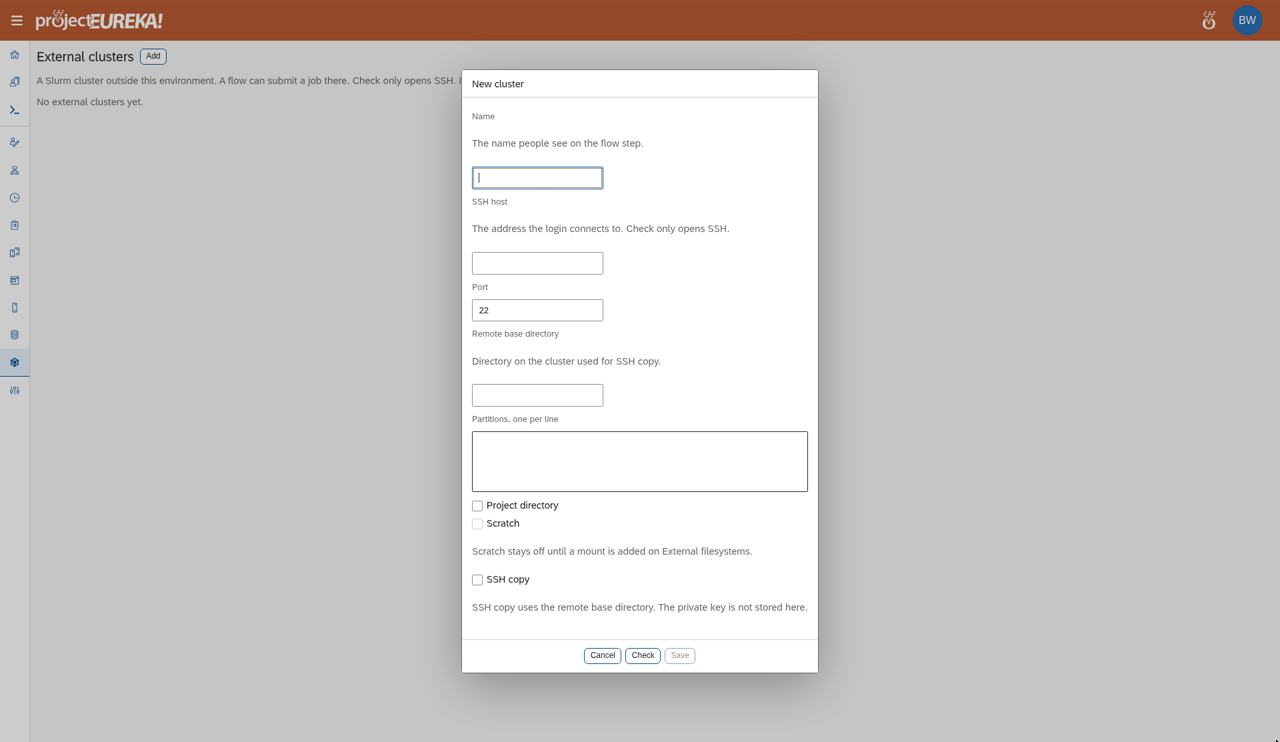
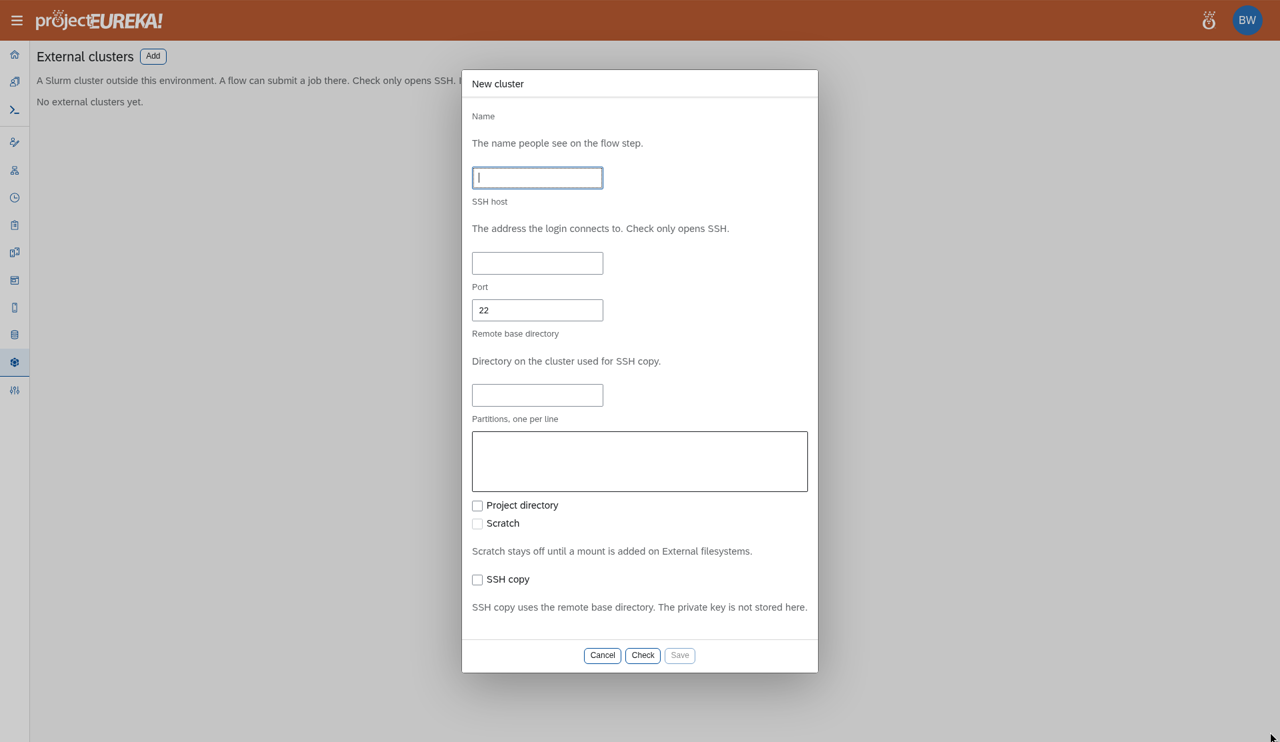
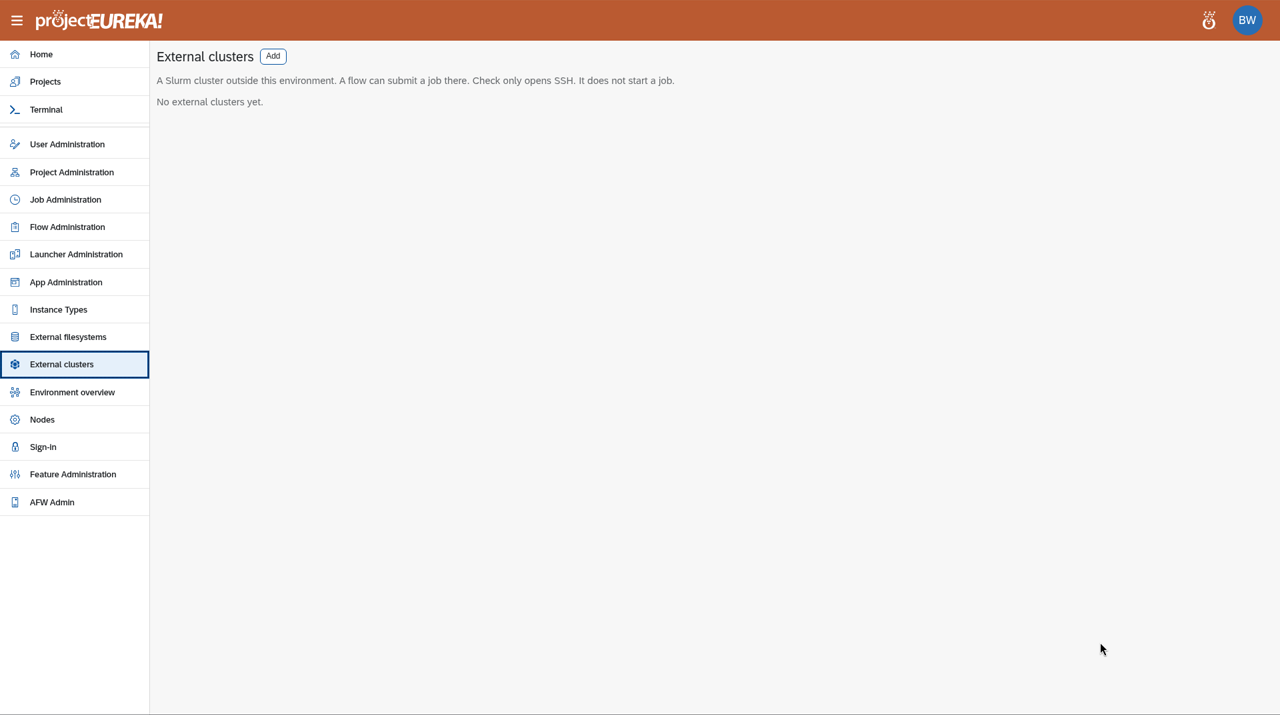
Section titled “External clusters”External clusters registers a Slurm cluster flows can submit to. Select Add. In New cluster, fill in Name, SSH host, Port, Remote base directory, and Partitions, one per line. Choose how jobs reach project files, at least one of: Project directory, Scratch (available once a mount is added on External filesystems), or SSH copy (uses the remote base directory). Select Check to test the SSH connection, then Save. The private key is not stored here (see Before you begin).
Google Cloud
AWS
Kubernetes
Jobs sent to an external cluster are not cancelled when a stage reaches its time limit; the stage is only marked timed out.
Next steps
Section titled “Next steps”Storage for production · Backing up an environment · Time limits · Build a flow · How flows run