Manage apps
An app is software that projectEureka can start on a machine, usually a container image (SIF) run with Apptainer. Admins add apps here. Project Editors and Owners then wrap an app in a launcher (app, instance type, and options) so members can start it with one click, or use the app in a flow stage.
Before you begin
Section titled “Before you begin”- You must be a System admin.
- For a container app, the image must be in Library or downloadable from Catalog.
App Administration
Section titled “App Administration”App Administration has three tabs:
-
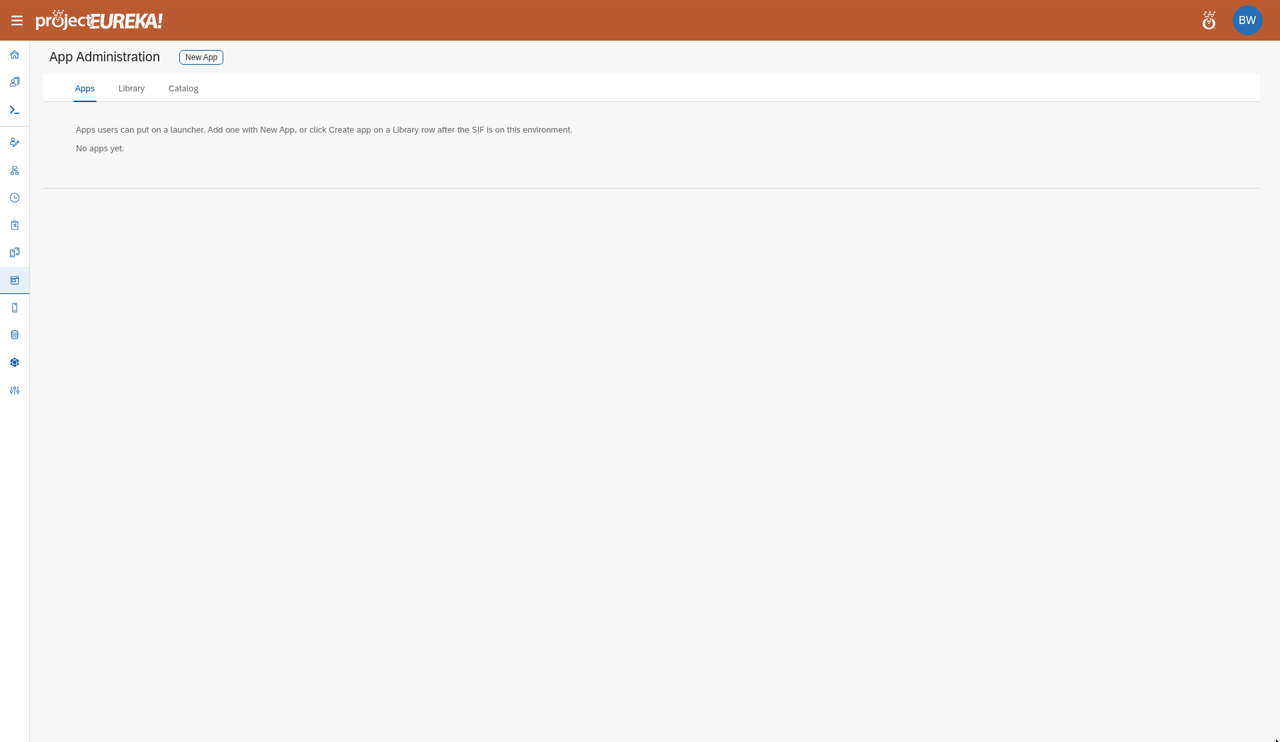
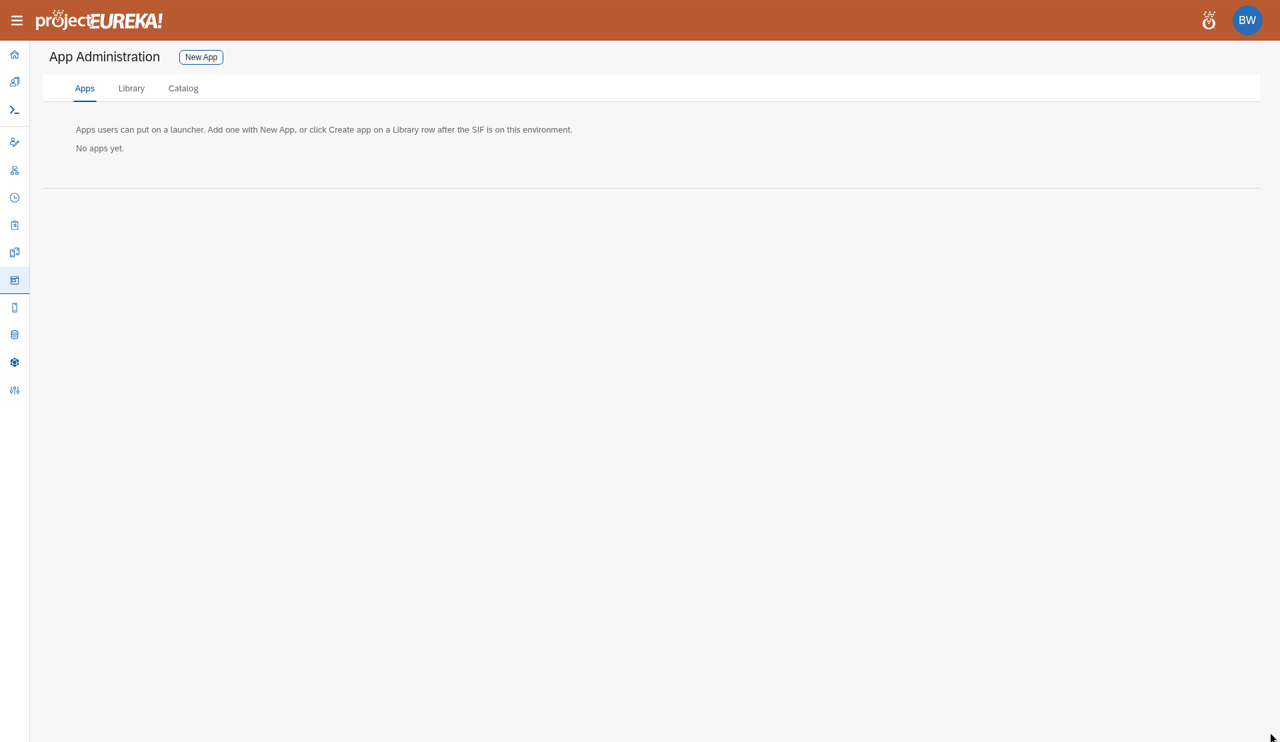
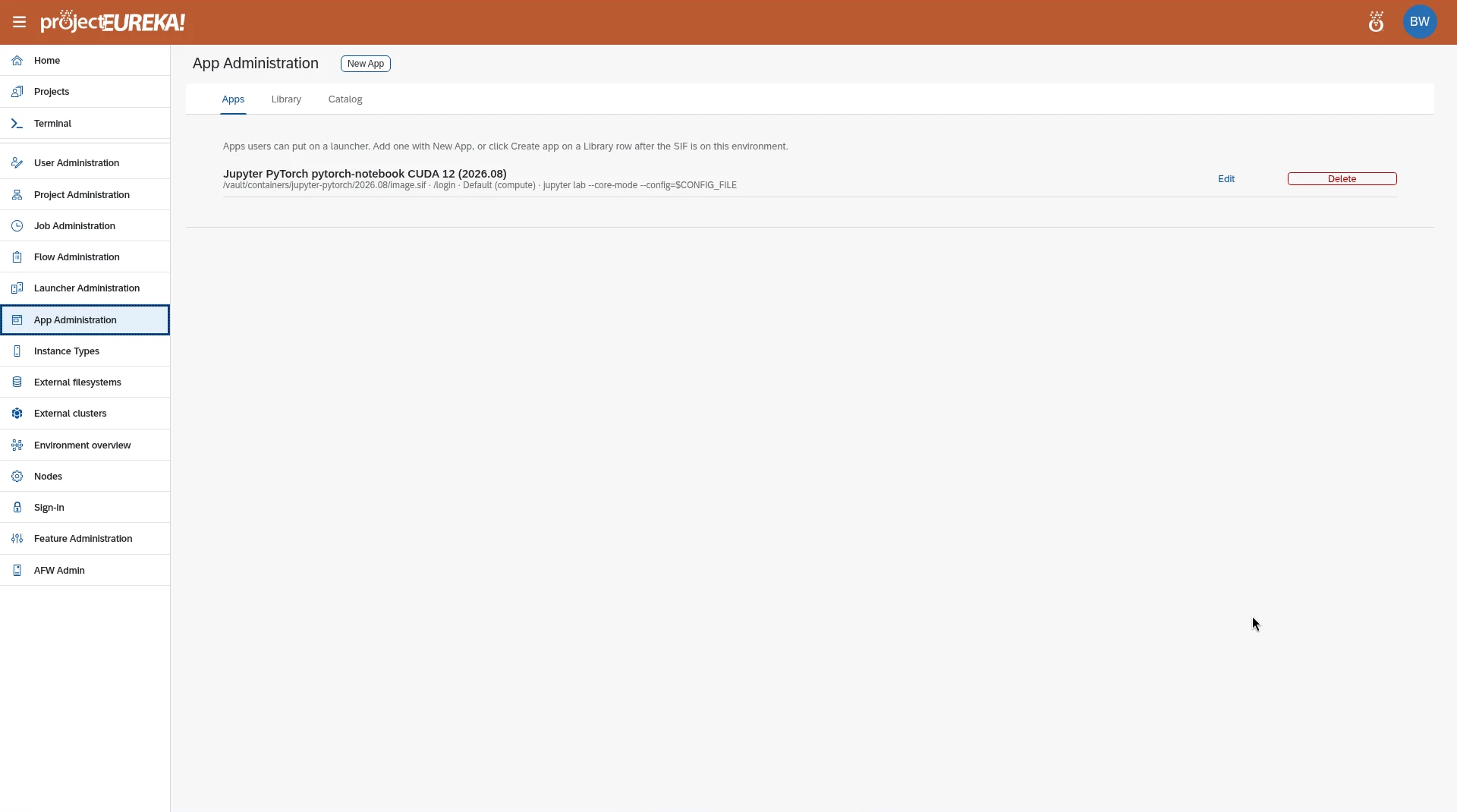
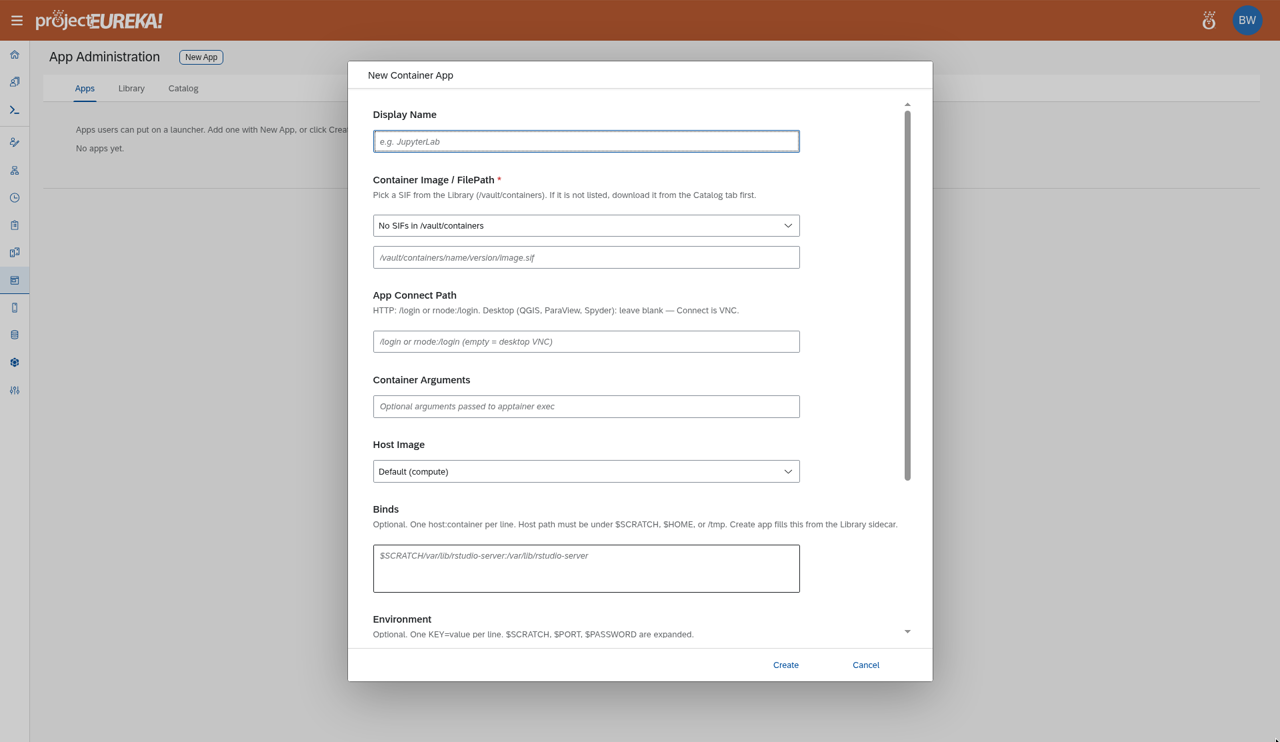
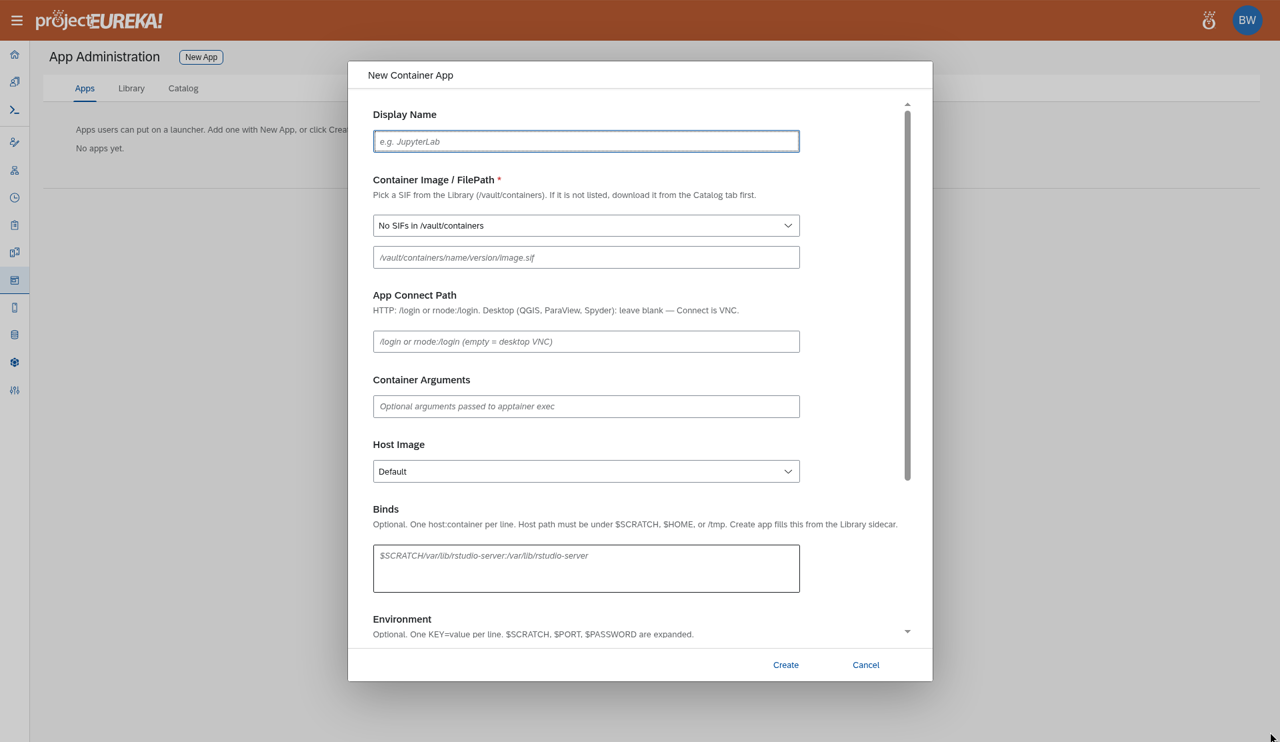
Apps: apps on this environment. While the list loads, the page shows Loading apps…. If there are none, it then shows No apps yet. Select New App. The New Container App window opens. Fill in the fields below and select Create. Edit on a row opens Container App Settings, where you select Update App. Delete removes the app.
-
Library: container images (SIFs) already on this environment. Select Create app on a row to start a new app from that SIF.
-
Catalog: apps available to download. Refresh updates the list.
The catalog is one public catalog run by Omnibond, at
https://containers.projecteureka.ai, for every environment. Downloads from it are anonymous HTTPS. You do not create a catalog bucket, grant access to one, or add a key. If a download fails, check that the login node can reach that address. Your own buckets are separate and still need credentials.
On Library and Catalog, filter by use: launchers (Launch), flows (Flow), or All uses.
Google Cloud
AWS
Kubernetes
Fields
Section titled “Fields”Google Cloud
AWS
Kubernetes
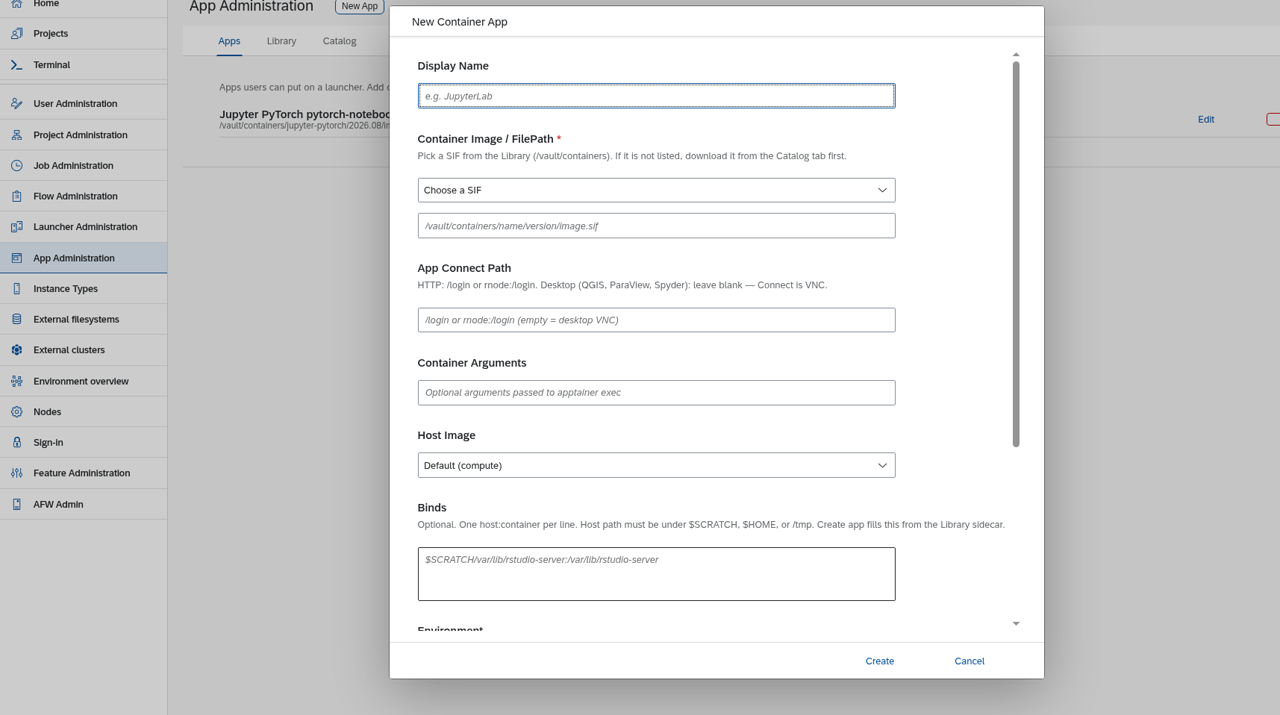
| Field | Meaning |
|---|---|
| Display Name | The name people see on launchers. |
| Container Image / FilePath | The SIF container image on this environment, for example /vault/containers/<name>/<version>/image.sif. |
| App Connect Path | For a web app, the path the browser opens, such as /login (or rnode:/login). Leave it blank for a desktop app such as QGIS or ParaView: the session then connects over VNC. |
| Container Arguments | Optional arguments passed to apptainer exec. |
| Host Image | The machine image the session’s virtual machine boots from. Default uses the environment’s default image. |
| Binds | Optional. Folders mounted into the container, one host:container pair per line. The host path must be under $SCRATCH, $HOME, or /tmp. Create app fills this from the Library entry. |
| Environment | Optional. One KEY=value per line. $SCRATCH, $PORT, and $PASSWORD are expanded. |
| Launch config | Optional JSON object written to $SCRATCH/launch.json for the app’s start script. A launcher can override these keys. |