Environment overview
Environment overview lists this environment’s virtual machines, disks, and, on Kubernetes, KubeVirt objects. Open it from the side bar, or from View in environment overview on the Nodes compute card. It reads a sweep stored by the scheduler. The page itself does not call the cloud.
Google Cloud
AWS
Kubernetes
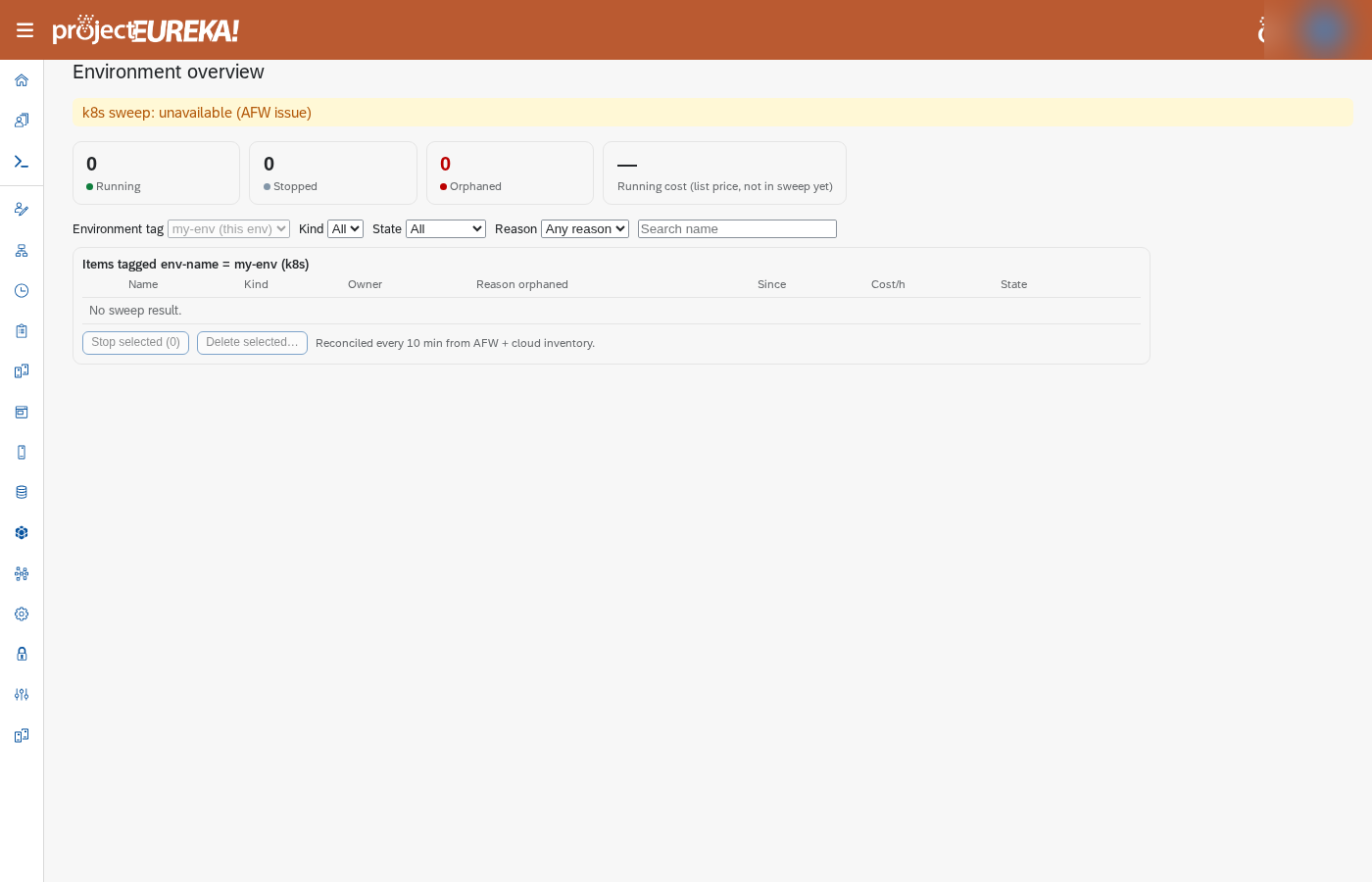
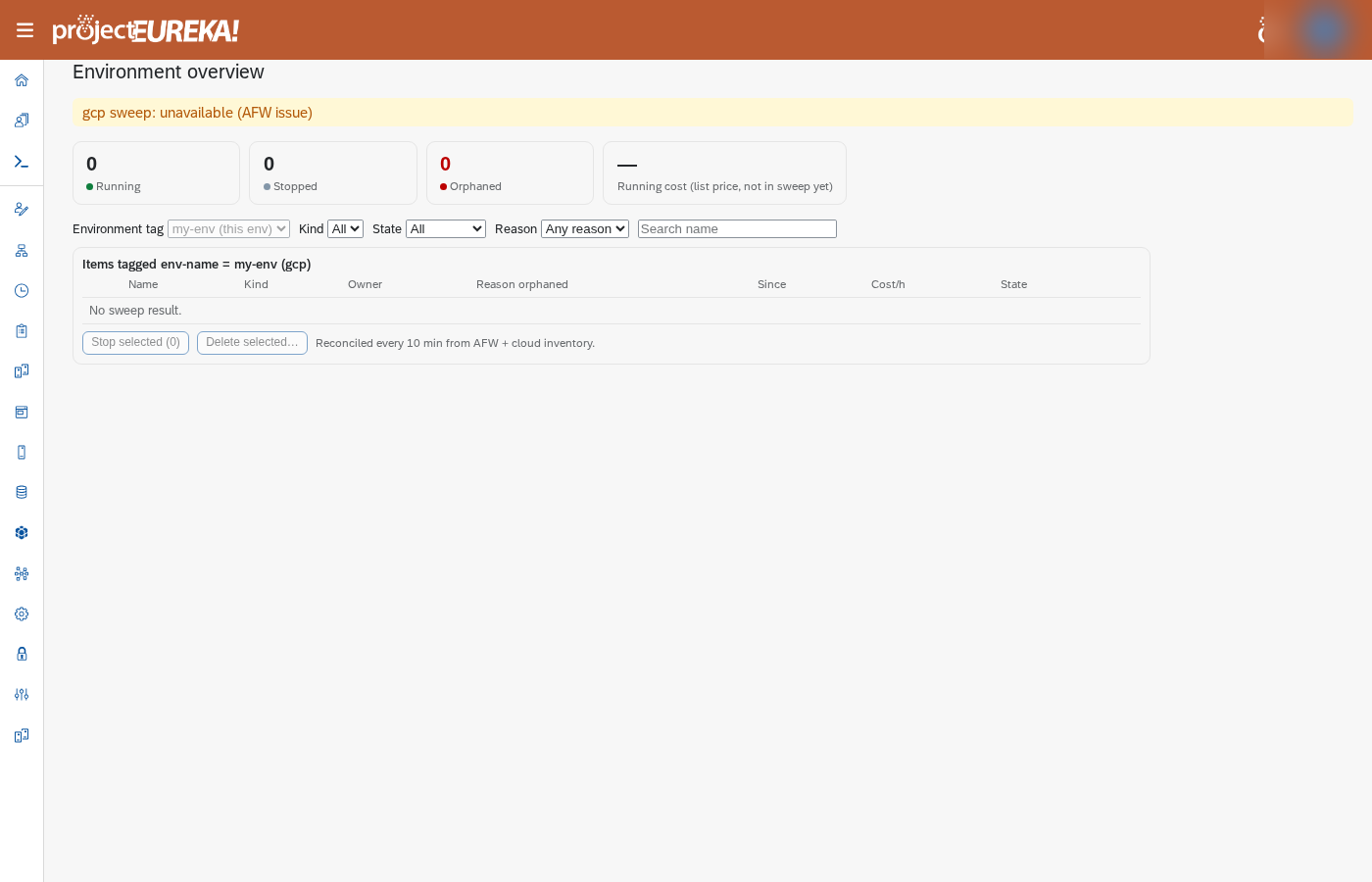
The cards count Running, Stopped, and Orphaned. A fourth card, Running cost (list price, not in sweep yet), stays —. Filter by Kind, State, Reason, or a name. The heading is Items tagged env-name = …. A row is orphaned when Eureka expected it and the cloud no longer has it, or the cloud has it and Eureka does not. Reason orphaned says which. Cost/h stays —.
The sweep runs about every 10 minutes, and only when the control host has the file /etc/eureka/env-sweep-enabled. Until a sweep has stored a result, the page says <cloud> sweep: unavailable (AFW issue) and the table says No sweep result. A result older than an hour is marked stale.
Stop, start, or delete one item
Section titled “Stop, start, or delete one item”A virtual machine row can offer Stop, Start, or Delete…. A disk offers Delete… only when it is not attached. Control and login show protected and cannot be changed here. For Eureka 1.0, resize them from the cloud console only when nothing is running. Pause and eureka admin resume --start are implemented and are not proven live. See doc/resize-control-login.md and Nodes.
- Select the action. The first step is a dry run and shows what would change.
- Confirm to apply it.
- For a real delete, type the item’s exact name when asked. A different name does nothing.
The action uses that row’s cloud id (the instance or disk id), so two rows that share a name are not mixed up. Confirm still asks for the exact name shown on the row.
Stop selected and Delete selected… do the same for the checked rows. A real delete is given time to finish (up to five minutes). On Google Cloud, a start or create that fails shows the insert error from the cloud. The footer says the list is reconciled every 10 minutes. A name that is not an exact row is refused. The CLI matches this: a real action needs --apply, and a real delete needs --confirm equal to the name. A name that does not match shows Not deleted: the name did not match.
If a machine starts but no node registers, the start fails and the machine is deleted. It then disappears from this list. See JWT security.
On Google Cloud, if a compute VM is recreated (autoheal or a recreate), it keeps the same boot disk. Deleting the instance group deletes that disk.
eureka admin env overvieweureka admin env action vm NAME stopeureka admin env action vm NAME delete --apply --confirm NAMEMCP: admin_env_overview and admin_env_action (dryRun defaults to a dry run; a real delete needs confirm equal to the name).
Related
Section titled “Related”Pause and resume the environment · Backing up an environment · Storage for production