Manage launchers
Launcher Administration is a read-only monitor of launcher sessions in every project. You add and edit launchers from a project’s Apps page, not from here.
Before you begin
Section titled “Before you begin”You must be a System admin to open Launcher Administration. Project members see their own project’s view under Launchers in the project side bar.
Launcher Administration
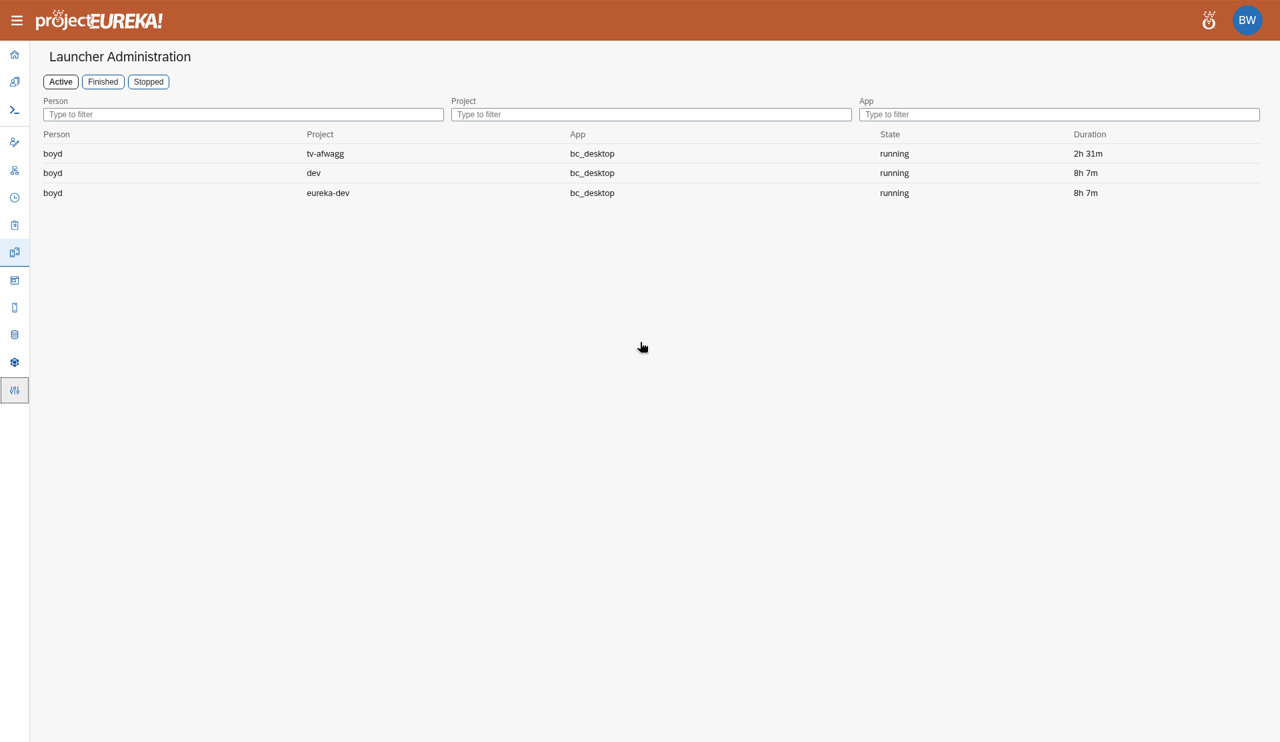
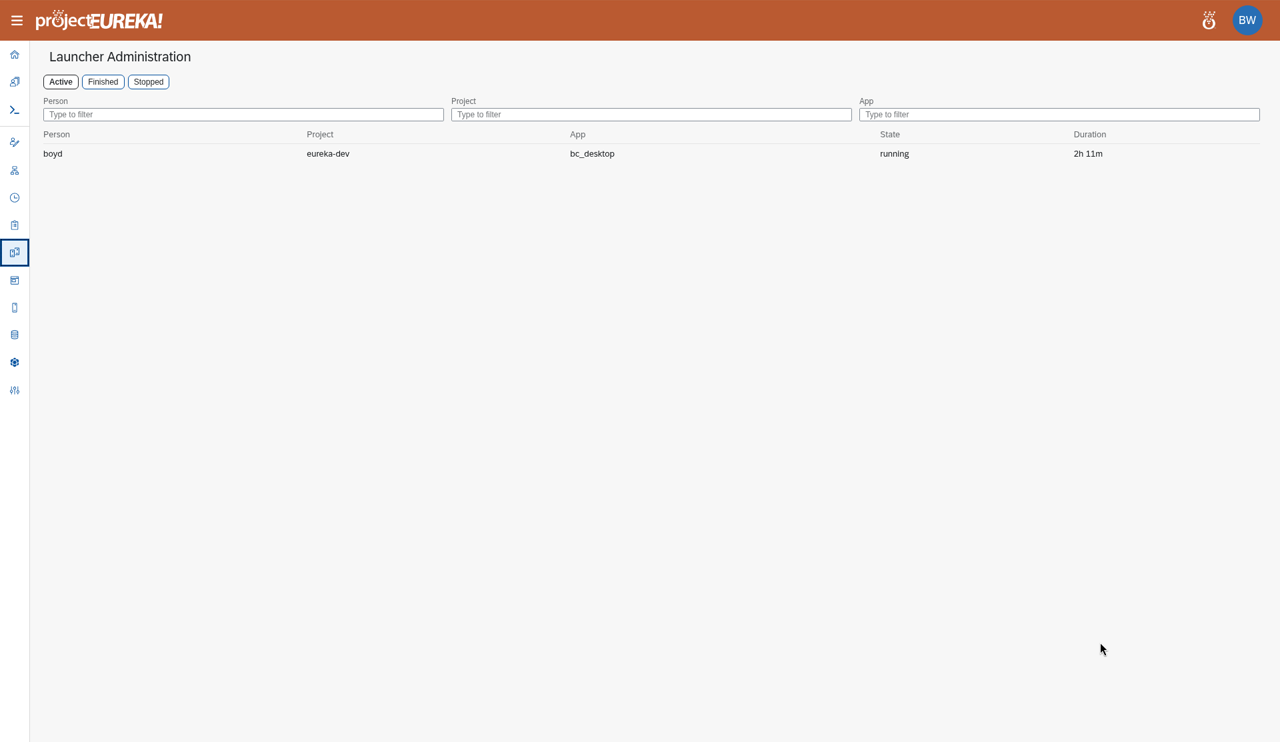
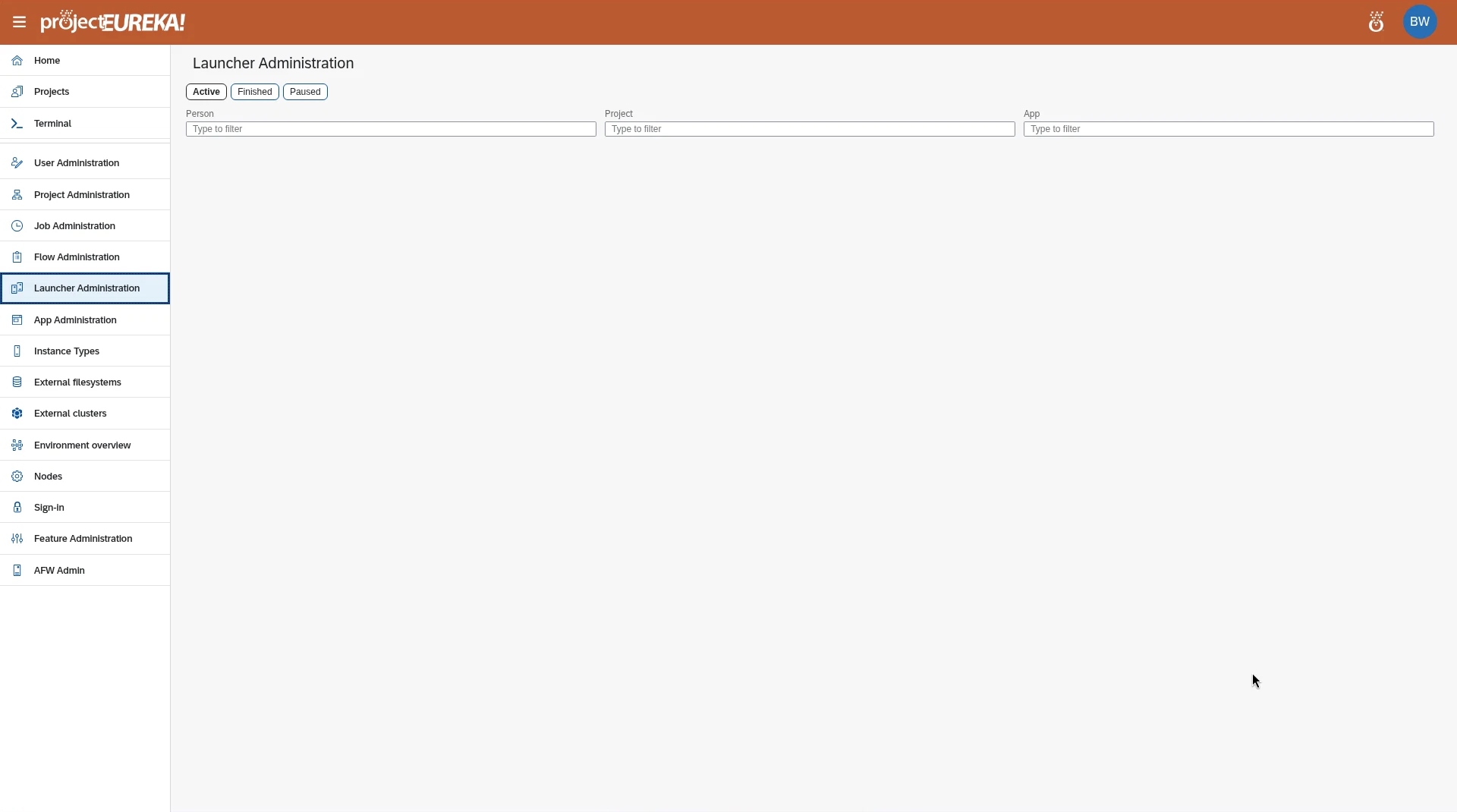
Section titled “Launcher Administration”Switch between Active, Finished, and Paused, and filter by Person, Project, and App. State shows running, paused, pausing, or resuming. Duration shows how long the session has run.
Google Cloud
AWS
Kubernetes
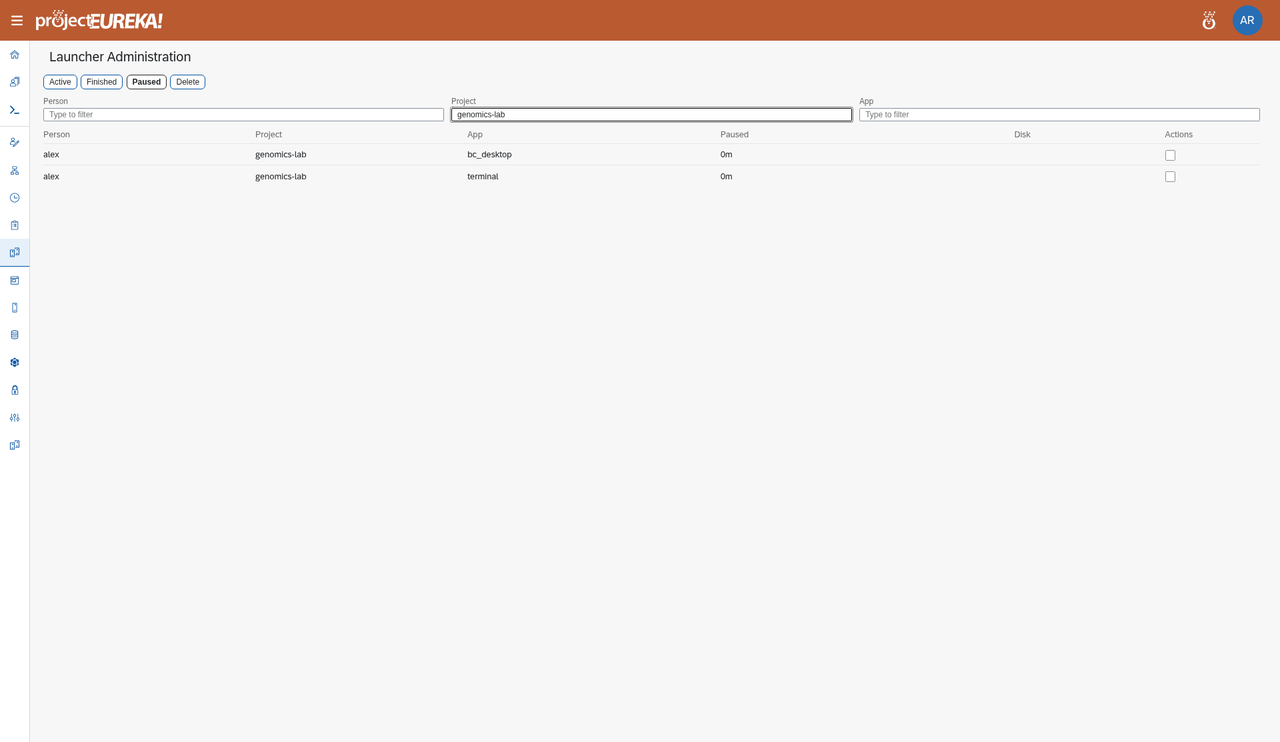
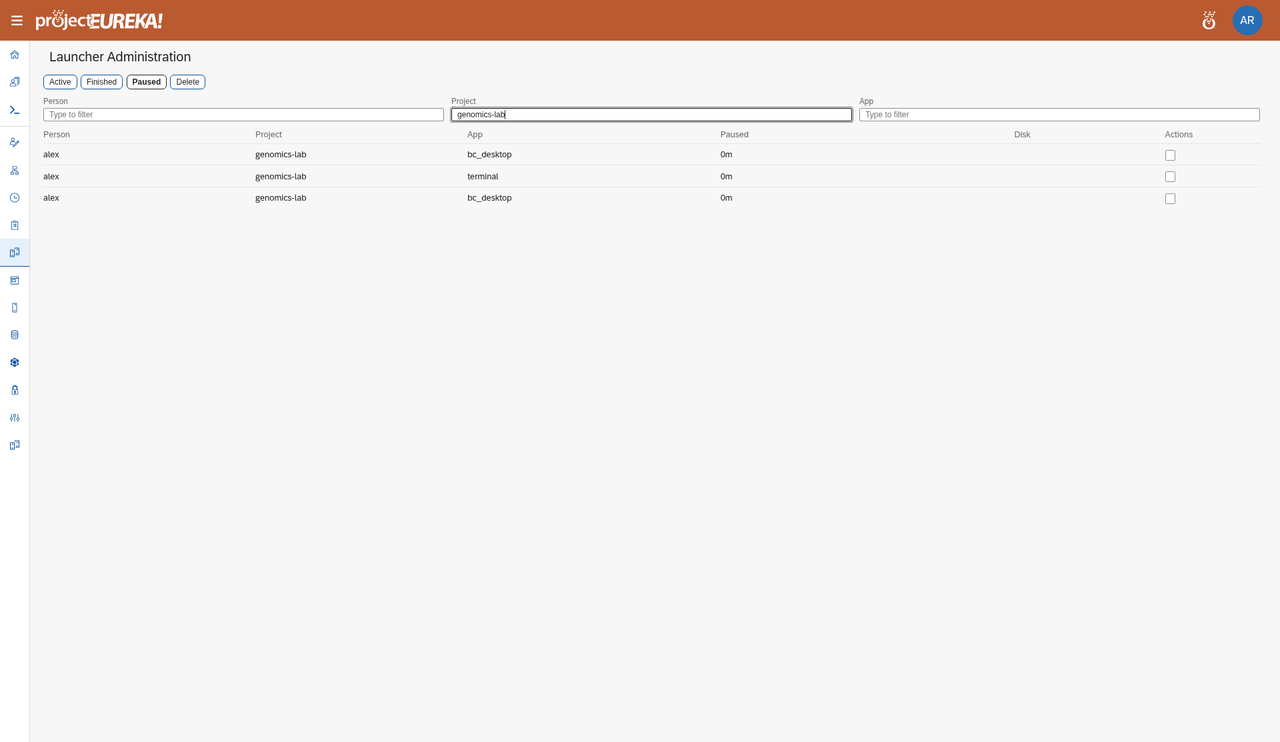
Paused lists every paused session with its disk: sessions someone paused and sessions paused at their time limit (marked paused at time limit). Select Delete to remove the selected sessions and their disks.
Google Cloud
AWS
Kubernetes
The Paused tab is the same on Kubernetes: it lists paused sessions and lets you delete them. There is no add or edit control on this page.Project launchers
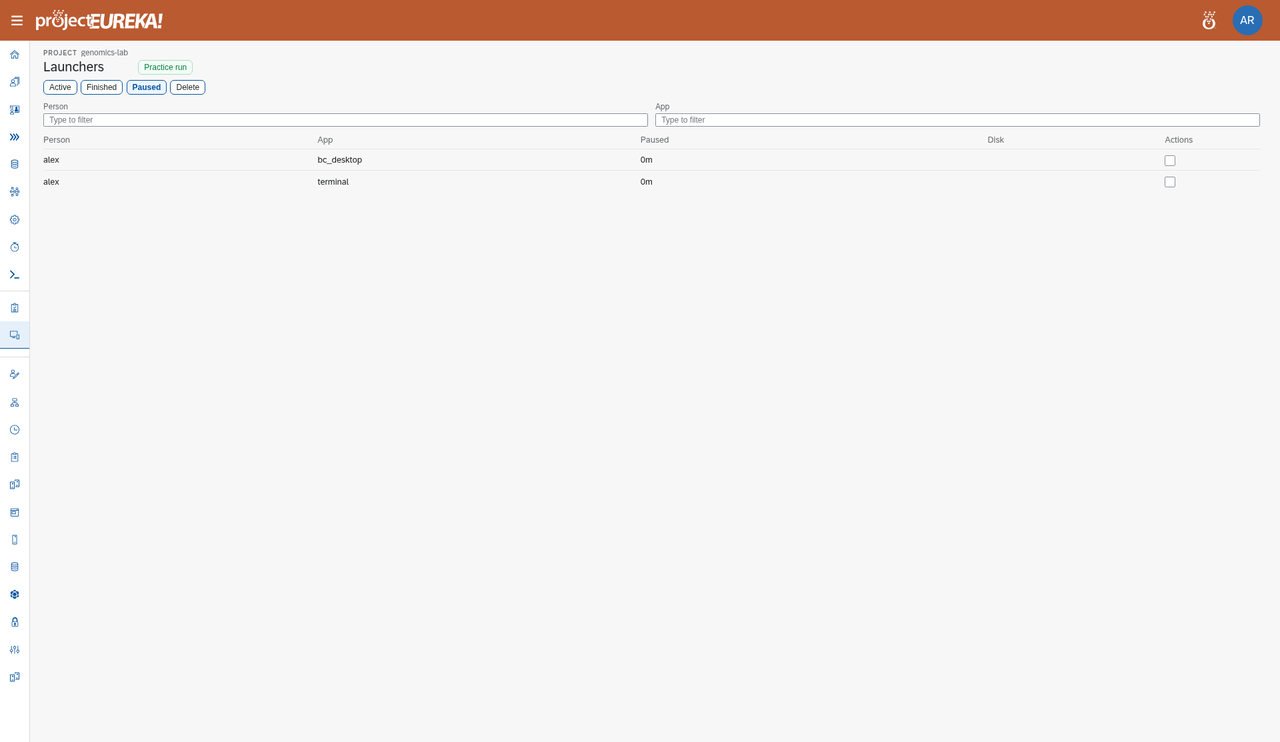
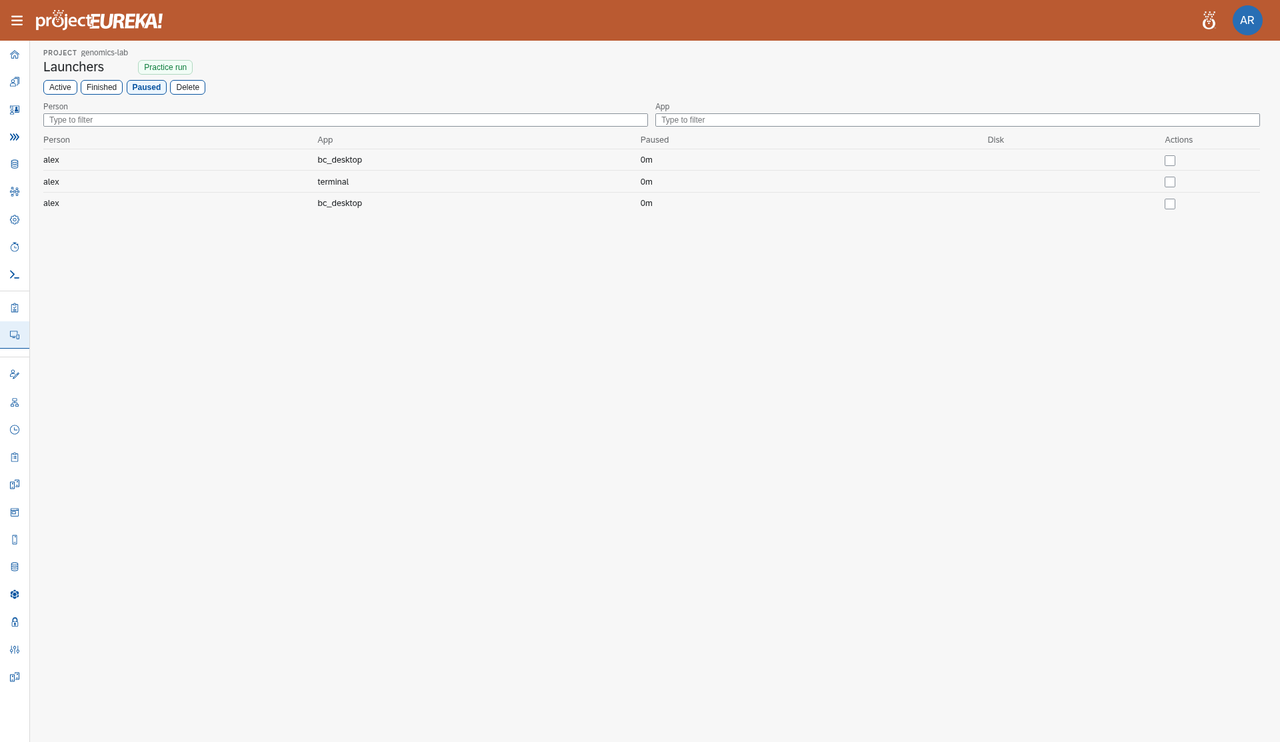
Section titled “Project launchers”Each project has the same view, limited to that project, under Launchers in the side bar. There, Practice run starts short test sessions, which are removed after 10 minutes.
Google Cloud
AWS
Kubernetes
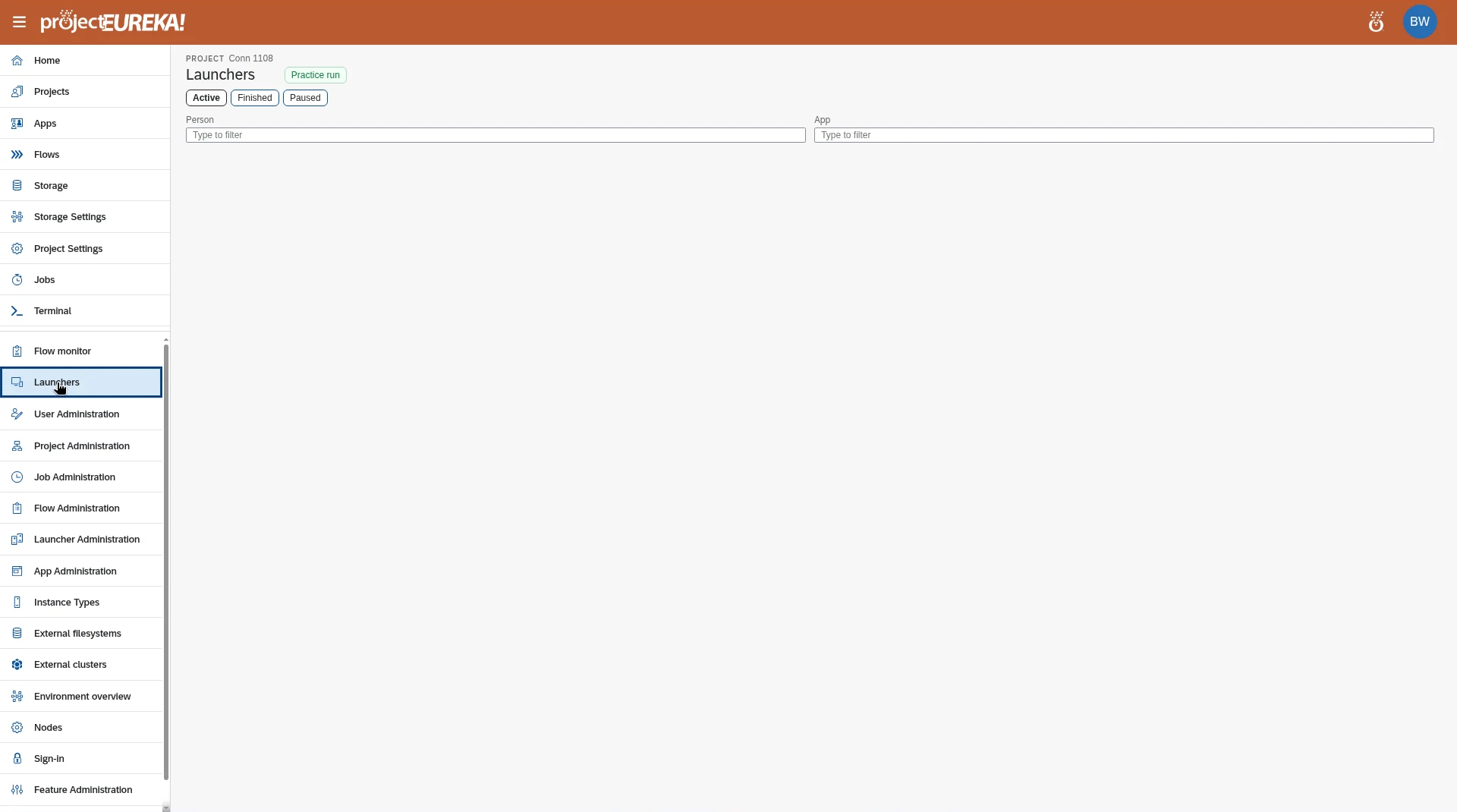
Launchers are created by project Editors and Owners on the project’s Apps page. See Add an app.
Next steps
Section titled “Next steps”Add an app · Manage apps · Apps: session buttons and lifecycle