Time limits
Time limits keep work from running, and costing, longer than intended. System admins set the environment-wide limits here. Projects, launchers, and flow stages can only set shorter ones.
Before you begin
Section titled “Before you begin”You must be a System admin.
Settings
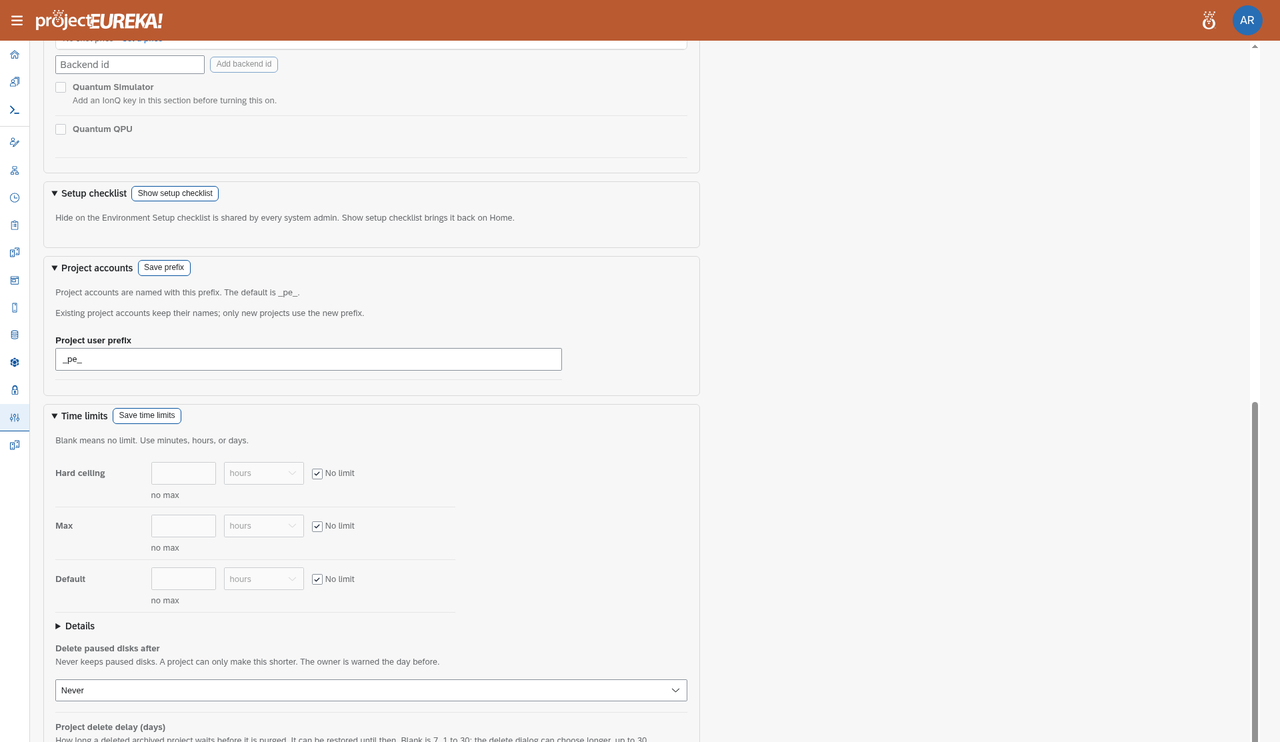
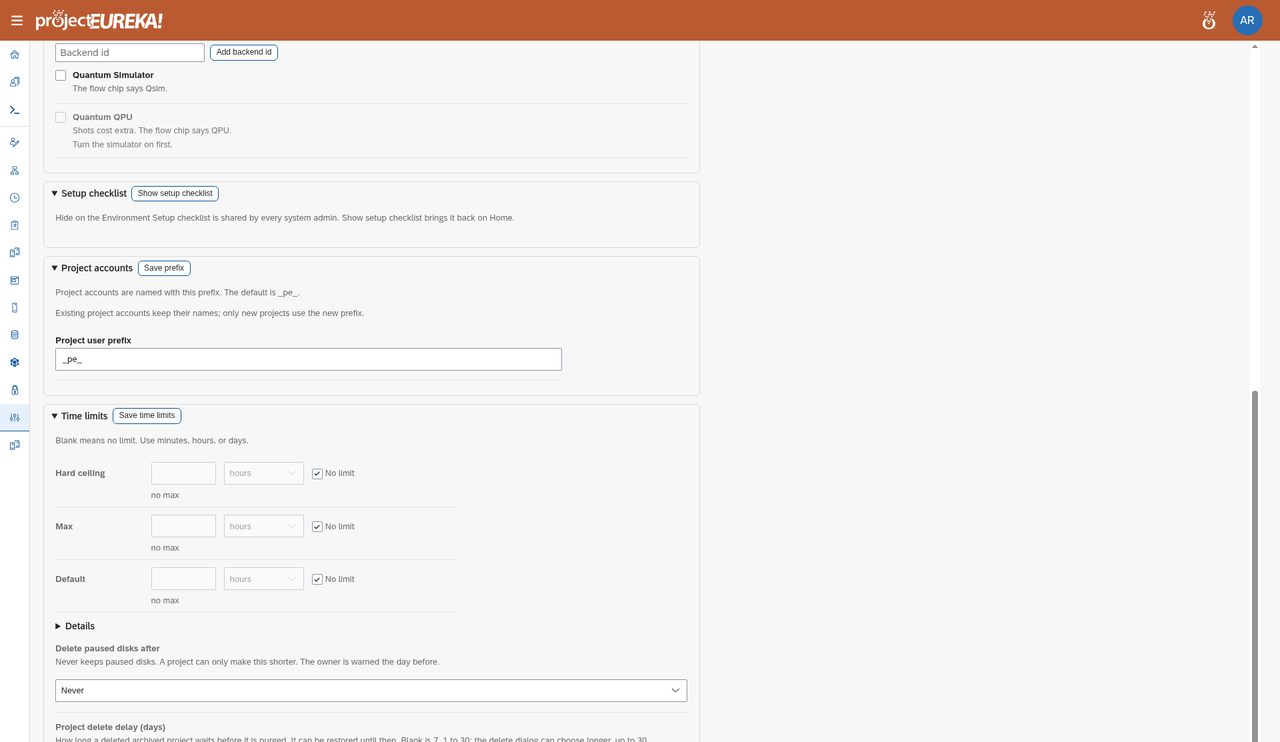
Section titled “Settings”In Feature Administration > Time limits:
| Setting | Meaning |
|---|---|
| Hard ceiling | The longest anything may run. A project, a launcher, and scontrol (the Slurm command for changing a job) cannot go above it. |
| Max | The longest one launch may request. A project sets its own max, or uses this system default max. |
| Default | The time a launch uses when none is set at the stage, launcher, or project. |
Each level can only be shorter than the one above it. Blank means no limit. Use minutes, hours, or days. Select Save time limits.
Google Cloud
AWS
Kubernetes
On Kubernetes, set time limits under Feature Administration > Time limits (same page as the other clouds). A dedicated screenshot of that section is not included yet.For which limit applies to a given job and what happens when it is reached, see Set time limits.